Thinking about alternatives to SignNow?
Switch to Oneflow and create frictionless workflows, in just a snap of your fingers.

Thinking about alternatives to SignNow?
Switch to Oneflow and create frictionless workflows, in just a snap of your fingers.

"*" indicates required fields









Why switch to Oneflow?

Turn your contracts into a sales tool
With Oneflow, you can use signing orders and live edits to turn your contracts into a powerful sales tool. Make real-time updates to contracts during calls with prospects and, using templates, have contracts ready to send in moments. The best part is, any and all changes immediately show, so you don’t need to worry about having to resend contracts again and again.

Edit and update your contracts live
After sending a document for e-signing in Oneflow you and your counterpart can adjust the content directly inside of Oneflow while making comments on the fly. Whether inside your CRM, browser, or phone, it’s all done inside of the contract. There’s also only ever one version of the contract, so long email threads are a thing of the past.

Choose how you want to sign your contracts
Oneflow lets you choose from multiple signing options, from verification codes to clicking signing buttons. No matter how your prospects want to sign their contracts, there’ll be a way for them to do it with Oneflow. The best part? You get a notification as soon as your contract is signed.

Frictionless workflows with signing order
When sending a contract in Oneflow you can assign a signing order for the signatories. This way, you can make sure that your documents are sent to only one person or team at a time, and that they are signed in an order of your choosing. You can relax knowing that all revisions and approvals are taking place in the sequence you’ve chosen.
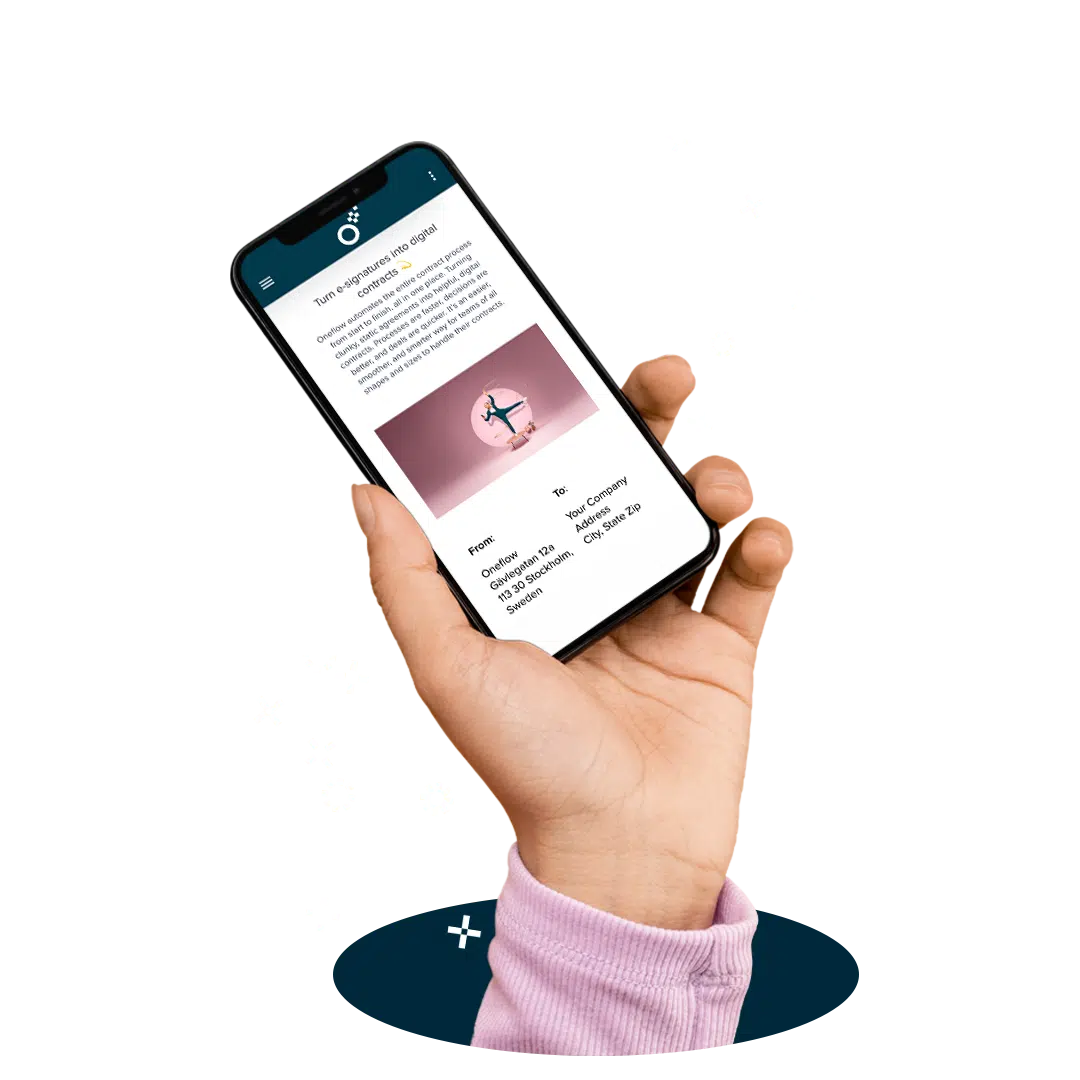
Secure e-signatures with a click
Get secure, compliant, and legally binding e-signatures. Oneflow’s e-signatures meet the highest security standards, as set out in the eIDAS regulations. Sign instantly with a click, SMS, or eID on your phone, tablet, or computer.
Built to work with the systems you use



















“We previously used a traditional e-sign solution but decided to adopt Oneflow’s contract workflow instead, giving us a far more robust & structured contract process that goes well beyond signing. By bringing contract creation, collaboration, execution & post-sign management into a single platform that can be utilized across multiple departments including Sales, HR & Client Management, we expect to improve efficiency, reduce manual work & gain much better visibility across our contracts & trading partner relationships.”

Cecilia Alm, Nordberg Medical
“It keeps all information in one place and HR can easily track the progress.”

Nathalie Formaniewicz, Pabliq
“What really made Oneflow stand out was how responsive they were to our needs and how smoothly the solution could be integrated with our CRM system.”

“It’s amazing. You can move from first contact to contract signature without leaving HubSpot. It’s plug-and-play, and it just works. Honestly, we asked ourselves: is it really this easy?”


“We’ve seen a huge increase in the amount of communication we’ve had with our customers using Membrain and Oneflow, which has been a great result of the partnership we’ve had and also the sales team actually using the tools on offer now, which we’ve managed to bring to them”

“We can do everything in Oneflow. I can follow my clients in the contract document and keep track of new updates. Most importantly, if something in the contract needs to be changed/updated, I can easily adjust it in Oneflow which saves time and improves customer experience for our clients.”
Read full story
“So that also means that we have everything collected in HubSpot and that’s also important for us since we work with external consultants as well and we need to be able to see the details regarding the contracts. So we have one touchpoint or, one source of information that we go into HubSpot and then Oneflow is already there as well”

“Oneflow is really time efficient, and we know that when we have everything in place with the Pipedrive integration and the templates. They will save us a lot of time since we’ll have several deals that are depending on if they just want our platform, if they need the logistics package, if they want some marketing features or whatever it may be.”

“Before many people at Volue found themselves bogged down by administrative duties, and it took time away from vital areas of the business, such as product development. But now employees can focus on things like upgrading the product or developing a pitch to clients.”

Take control of your contracts
Take control of your contracts
"*" indicates required fields