Your sales team just closed a major deal, but then reality hits. Your quote has different pricing than what finance approved. The contract lives in one system, the invoice in another. Your customer is asking about delivery dates while your fulfillment team is scrambling to find the actual signed agreement.
Sound familiar? You’re not alone. According to DataIntelo, the global Quote-to-Cash (Q2C) Software market size was valued at approximately USD 3.5 billion in 2023 and is projected to expand to USD 7.9 billion by 2032, registering a compound annual growth rate (CAGR) of around 9.5% during the forecast period. This explosive growth isn’t happening accidentally—businesses are desperate to fix their broken quote-to-cash process.
Because it should be your revenue engine, not your revenue nightmare. When done right, it transforms how you sell, invoice and collect payments. When done wrong, it becomes a source of endless frustration, lost deals and revenue leakage.
In this article, you’ll discover the 10 best quote-to-cash software solutions for 2026, understand key features to evaluate and learn how to choose the right platform for your business.
What is quote to cash software?
Think of your current sales process. Sales teams create quotes in spreadsheets. Legal reviews contracts in Word. Finance generates invoices from an ERP system. Accounting handles revenue recognition in another tool. Your customer data lives in your CRM, but good luck keeping everything synchronized across business processes.
Quoting software eliminates these silos by providing a single system that manages the entire revenue lifecycle and sales cycle. When your sales rep updates pricing, finance immediately sees accurate data for invoicing. When a contract gets signed, your fulfillment team automatically receives delivery instructions without manual data entry.
Q2C software manages your entire sales process from the initial customer inquiry to final payment collection. Unlike scattered tools that handle individual steps, quote-to-cash software platforms connect quoting, contracting, order management, billing and revenue recognition into one unified sales process.
Key features to look for in Q2C tools
The best quote-to-cash tools combine several core capabilities that traditional point solutions cannot match across the entire sales cycle:
- CPQ capabilities let your sales teams configure complex products, apply accurate pricing and generate professional quotes without constant back-and-forth with technical teams.
- Contract management going beyond simple e-signatures in the Q2C process; you need platforms that support real-time collaboration, approval workflows and audit trails.
- Billing and invoicing automation connects signed contracts directly to accounting, ERP and CRM systems. The best platforms automatically generate invoices based on contract terms, handle subscription management and process usage-based billing without manual data entry.
- Analytics and reporting provide insights into your entire sales process and quote-to-cash workflow. Track metrics like time-to-signature, discount approval bottlenecks, and payment collection performance.
- Integration capabilities determine how well your quote-to-cash solution works with existing systems. Look for native integrations with your CRM, ERP, accounting software and other business processes.
Benefits for your business
Implementing quote-to-cash software delivers measurable improvements across your organization, not just wishful thinking about “efficiency gains.” Here are the main benefits:
- Streamlined revenue lifecycle and faster deal cycles happen when your entire sales process flows through connected systems.
- Reduced manual errors and improved accuracy helps your team focus on more critical tasks. When your quote automatically populates contract terms and billing information, you avoid the pricing mismatches that hurt customer relationships and profit margins.
- Enhanced customer experience comes from professional-looking proposals, faster contract turnaround and accurate invoicing. Customers appreciate electronic signatures that let them complete transactions from anywhere, on any device.
- Better cash flow management results from automated invoicing and integrated payment processing. You receive payments faster when invoices are accurate and customers can pay immediately.
Want to see how this works in practice? Request a demo and we’ll show you exactly where your revenue is leaking through the cracks.
Quote to cash vs CPQ software: Key differences
You may find yourself confused between quote-to-cash software and Configure, Price, Quote (CPQ) tools. They serve different purposes in your sales process.
CPQ focuses only on the configure-price-quote functionality. These tools help sales teams build accurate quotes for complex products, apply pricing rules and generate professional proposals.
Quote to cash covers the entire sales cycle from initial quote through final payment collection. Q2C platforms include CPQ functionality but extend beyond it. They handle contract creation, approval workflows, order processing, fulfillment tracking, invoicing and payment collection.
Choosing between Q2C and CPQ depends on your business complexity and growth stage. If you only need help generating accurate quotes, standalone CPQ might suffice. But if you’re struggling with contract management, billing accuracy or revenue recognition, you need a comprehensive quote to cash solution.
You should also take integrations into account. CPQ tools must integrate with your CRM, contract management system, billing platform and accounting software. Q2C platforms reduce integration complexity by handling more functionalities natively.
Top quote to cash software: Brief overview
Before we dive into the details, here’s a quick comparison view of all the tools we’ve analyzed.
| Tool name | Pricing | Best for | Rating | Key features |
|---|---|---|---|---|
| Oneflow | From $58/mo/user (min 5 users) | All business sizes | 5 | Dynamic contracts, real-time collaboration, AI-powered contract review, approval workflows, native integrations |
| Salesforce CPQ/Revenue Cloud | From $200/mo/user | Large enterprises | 4.2 | Product configuration, revenue lifecycle management, customization options |
| Oracle CPQ Cloud | N/A | Enterprise organizations | 4.1 | Guided selling,flexible pricing and promotion capabilities,multi-channel commerce capabilities |
| SAP CPQ | From $96/mo/user | Manufacturing companies | 4.0 | Guided selling, dynamic pricing support, SAP integration |
| Maxio | From $599/mo | SaaS and subscription businesses | 4.4 | Subscription billing automation, revenue recognition, usage-based billing |
| PandaDoc | From $19/mo/user | Small to mid-sized companies | 4.7 | Template management, e-signature workflows, payment integration |
| DealHub | N/A | Sales-focused teams | 4.5 | DealRooms, engagement tracking, revenue intelligence tools |
| Conga CPQ | N/A | Complex product companies | 4.3 | Quote automation, contract lifecycle management, template-based document generation |
| HubSpot Commerce Hub | From $85/mo/user | HubSpot users | 4.4 | Native CRM integration, payment processing, invoice creation |
| OneBill | N/A | Billing-focused organizations | 4.2 | Multi-tenant billing, integration with payment gateways, pricing and billing analytics |
The 10 best quote to cash software in 2026
Ready to get into it? Here’s our comprehensive guide.
Oneflow
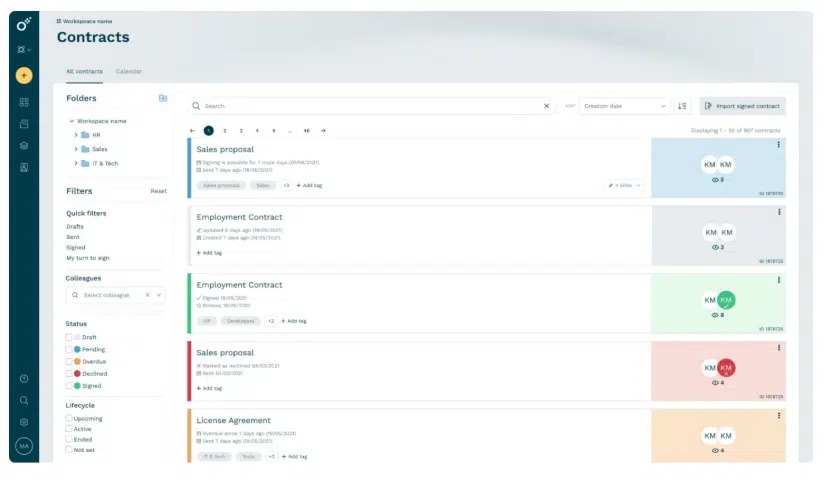
Rating: 5/5
Oneflow is a proposal and contract management platform that treats contracts as dynamic, collaborative workspaces rather than static documents, replacing your manual processes. While traditional quote-to-cash solutions force you to recreate proposals as separate contracts, Oneflow enables you to quote, negotiate and finalize deals within the same living document that syncs directly with your CRM systems.
This approach solves the core problem plaguing most organizations: manual, siloed Q2C processes. Unlike heavy CPQ systems that create additional complexity or e-sign tools that lock data in PDFs, Oneflow eliminates these bottlenecks entirely.
Key features
- Dynamic contracts: Edit terms, pricing and conditions even after sending contracts to customers. No more recreating documents when negotiations change—just update the contract in real-time and all parties see the latest version instantly.
- Real-time collaboration: Turn contract negotiation from a painful back-and-forth into productive teamwork. Legal, sales and finance teams can comment, suggest changes and approve terms within the same document.
- AI-powered contract review: AI analyzes your agreements for potential risks, suggests standard clauses and identifies missing terms. The AI learns from your contract patterns to provide increasingly relevant recommendations.
- Comprehensive approval workflows: Set up multi-level approvals based on contract value, discount levels or custom criteria. Managers get automatic notifications when approvals are needed, and you maintain complete audit trails for compliance.
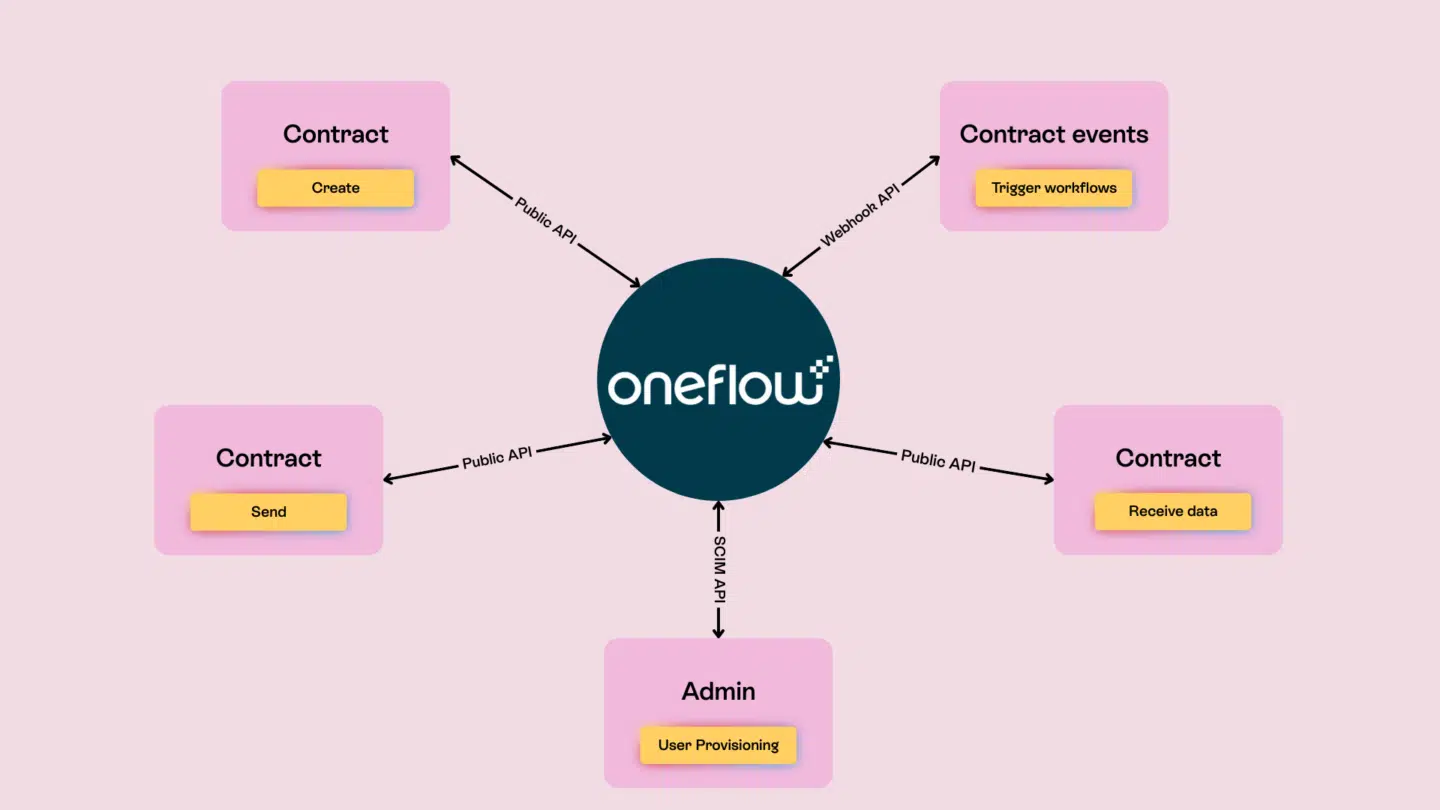
- Native integrations: Connect Oneflow to your existing tech stack without custom development. Salesforce, HubSpot, Microsoft Dynamics and other CRM systems sync contact data, deal information and contract status automatically.
Pricing details and plans
- Free 14-day trial
- Business: from $58/mo/user (min 5 users)
- Enterprise: Custom pricing
User review
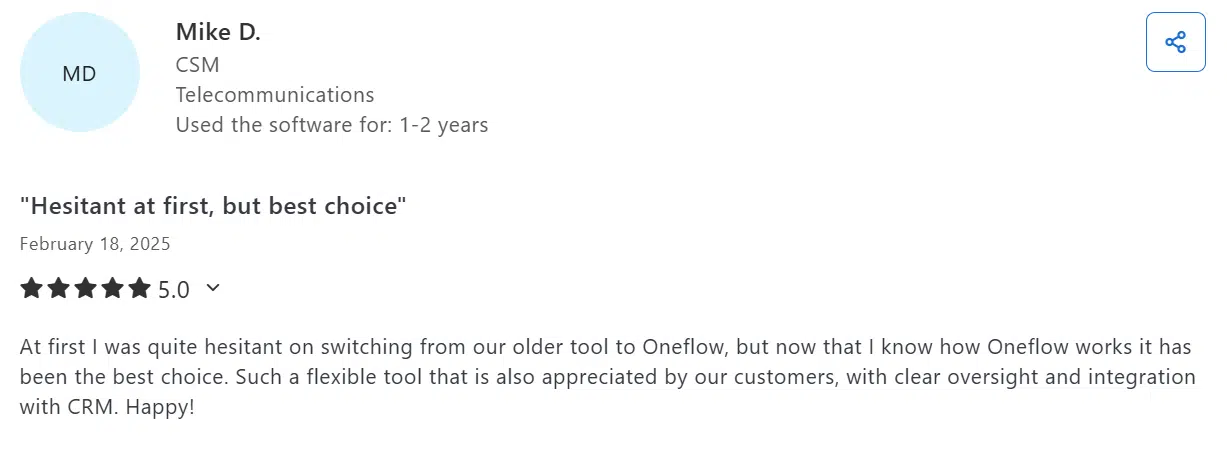
Oneflow has a 4.6 rating on Capterra. Users praise how intuitive the platform feels and how much faster it makes creating, sending and signing contracts. Many also appreciate the ready-made templates, real-time collaboration and clean design that gives documents a professional look.
Ready to give it a go? Sign up for a free trial here or schedule a demo with our team to get more details first.
Salesforce CPQ/Revenue Cloud
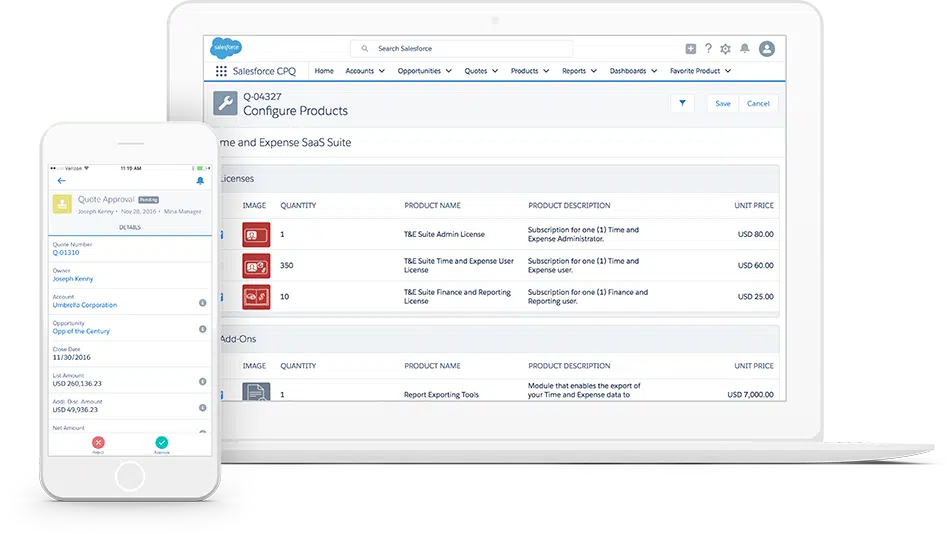
Rating: 4.2
Salesforce CPQ streamlines how companies configure products, set pricing and automate Salesforce quotes. When paired with Revenue Cloud, it extends into billing, order management and revenue recognition. It gives organizations a single system to manage the full revenue lifecycle.
See also: Oneflow & Salesforce electronic signature: Boost your contract flows
Key features
- Product configuration with rules, dependencies and bundling options
- Revenue lifecycle management covering quoting, contracts, renewals, billing and revenue recognition
- Customizable fields, workflows and approval processes through declarative configuration
Pricing details and plans
Salesforce CPQ offers two pricing plans:
- Revenue Cloud Growth: $150/mo/user
- Revenue Cloud Advanced: $200/mo/user
User review
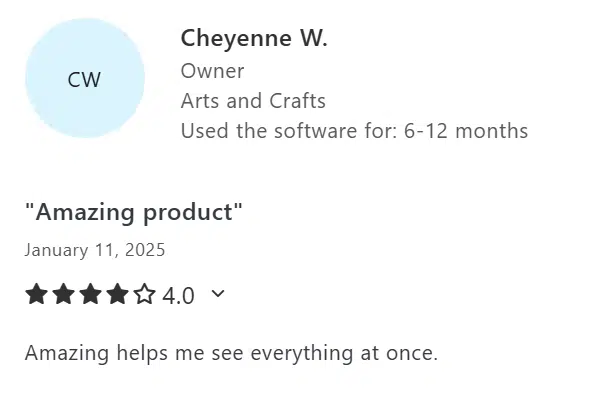
Users of Salesforce Revenue Cloud say that it delivers solid tools for quoting, billing and revenue tracking, though there’s a learning curve. They rated it 4.4 stars on Capterra.
Oracle CPQ Cloud
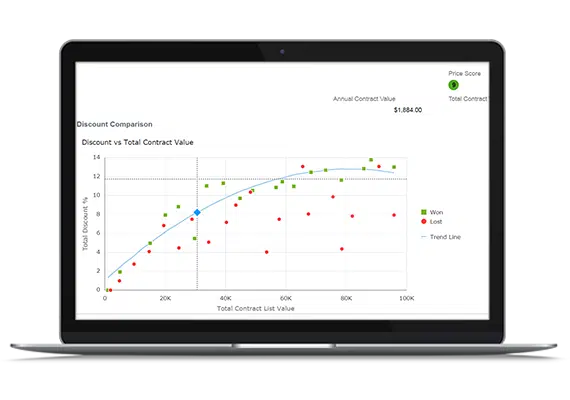
Rating: 4.1
Oracle CPQ Cloud delivers enterprise-level quoting and product configuration, with native integrations across Oracle’s CRM, ERP and other systems, including commerce applications. It streamlines the entire process of order fulfillment and helps process payments.
Key features
- Guided selling with workflows and recommendation tools
- Flexible pricing and promotion capabilities
- Multi-channel commerce capabilities
Pricing details and plans
The pricing is available upon request.
User review
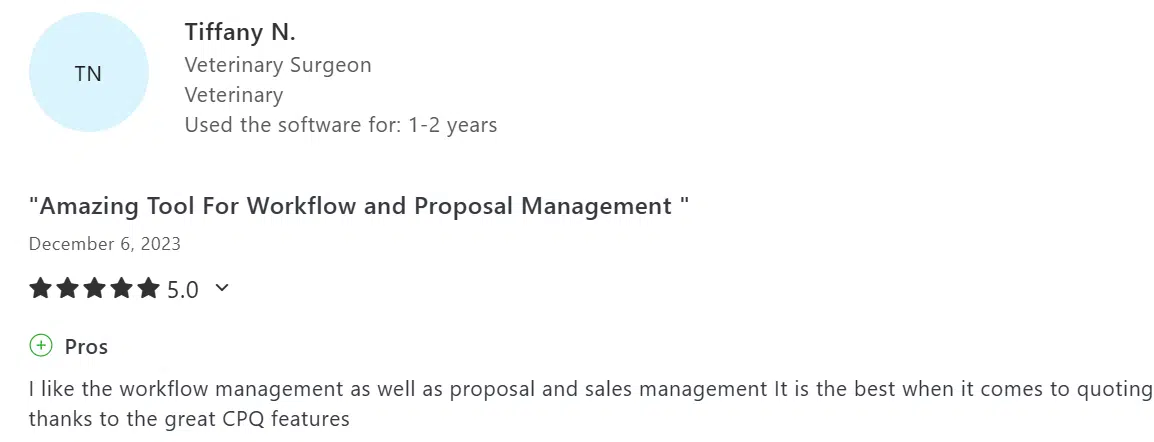
Oracle CPQ Cloud has a 4.4 rating on Capterra. Reviews say Oracle CPQ Cloud is flexible for building quotes, proposals and managing workflows.
SAP CPQ
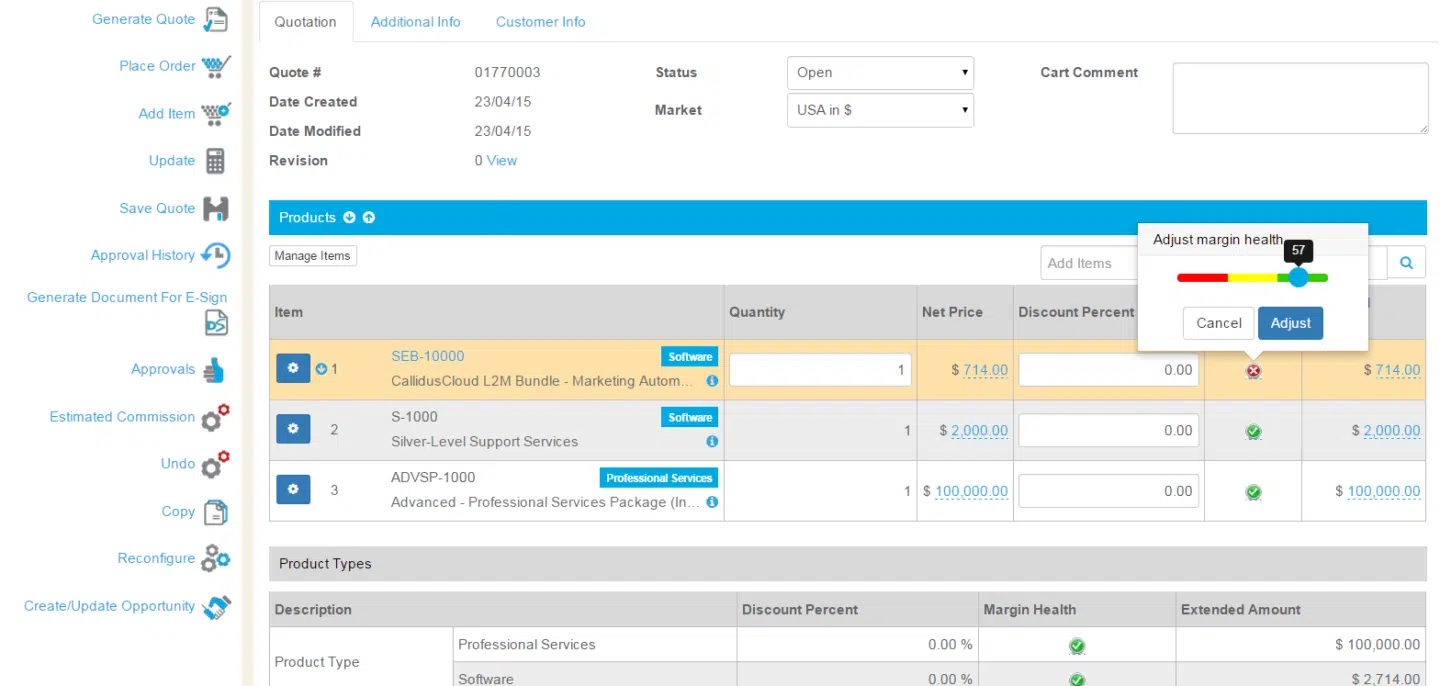
Rating: 4.0
SAP CPQ is mainly for manufacturing and industrial companies with complex product configuration needs and global deployment requirements.
Key features
- Guided selling and complex configuration
- Dynamic pricing and subscription support
- Tight SAP integration (connects directly with SAP ERP and S/4HANA)
Pricing details and plans
SAP CPQ offers two plans:
- SAP CPQ, standard edition: $96/mo/user
- SAP CPQ, add-on for SAP Commerce: $11,339/mo for 50,000 orders
User review
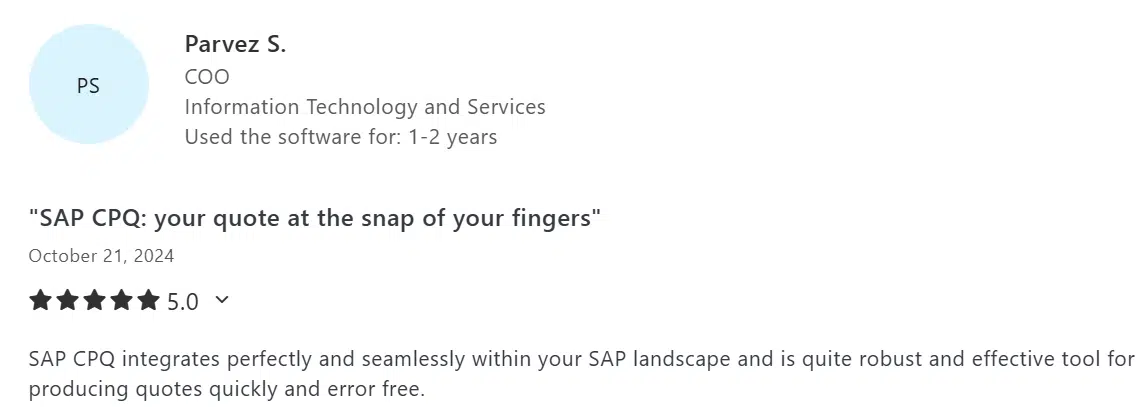
Users gave SAP CPQ a 4.2 rating on Capterra. They find SAP CPQ useful for managing complex quotes.
Maxio
Rating: 4.4
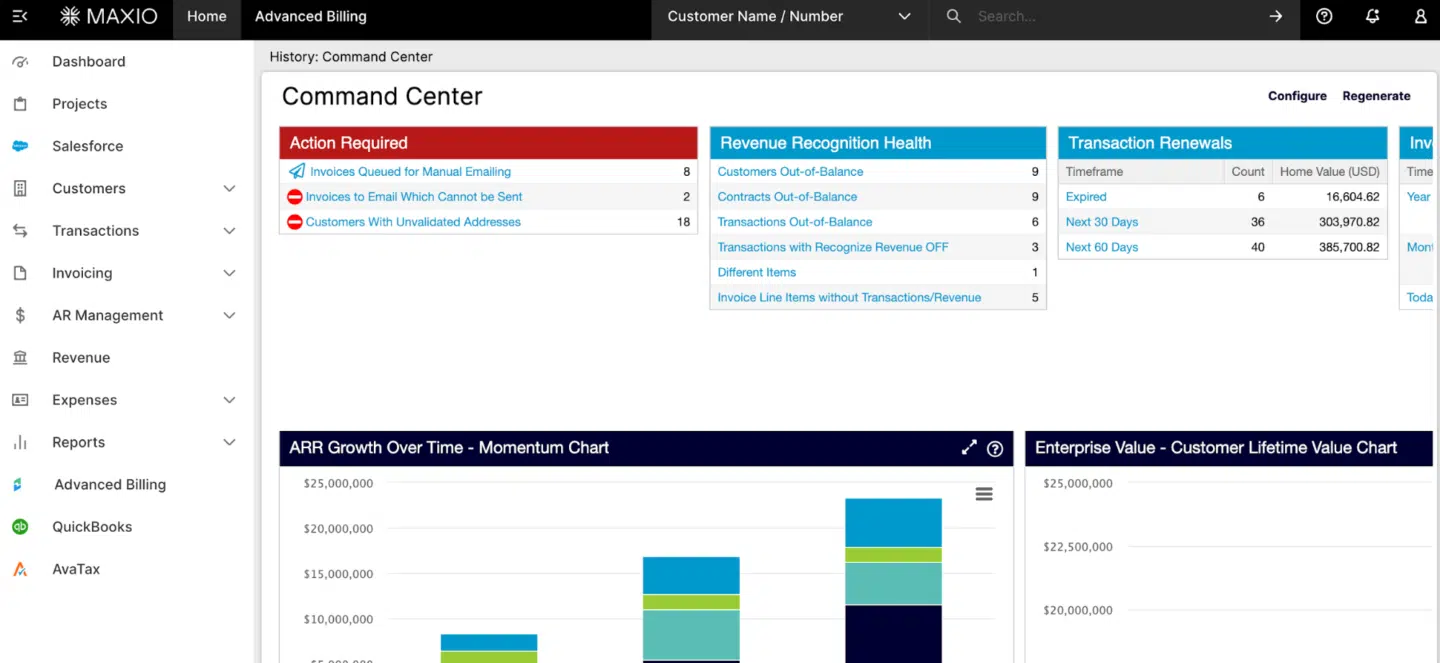
Maxio (formerly SaaSOptics and Chargify) specializes in subscription billing and revenue management for SaaS and subscription-based businesses.
Key features
- Subscription billing automation tools handle recurring charges, usage tracking and proration
- Revenue recognition automates ASC 606 compliance
- Usage-based billing models
Pricing details and plans
Users can choose from two pricing plans:
- Grow: $599/mo
- Scale: Custom pricing
User review
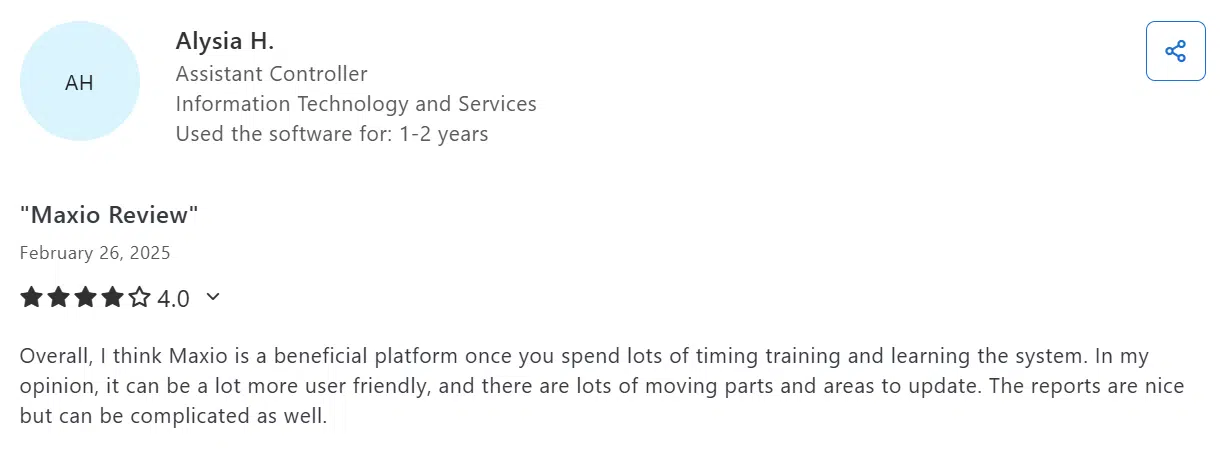
Users say it offers strong subscription billing, revenue recognition and reporting tools, but it can be complex to set up. They rated the platform 4.3 stars.
PandaDoc
Rating: 4.7
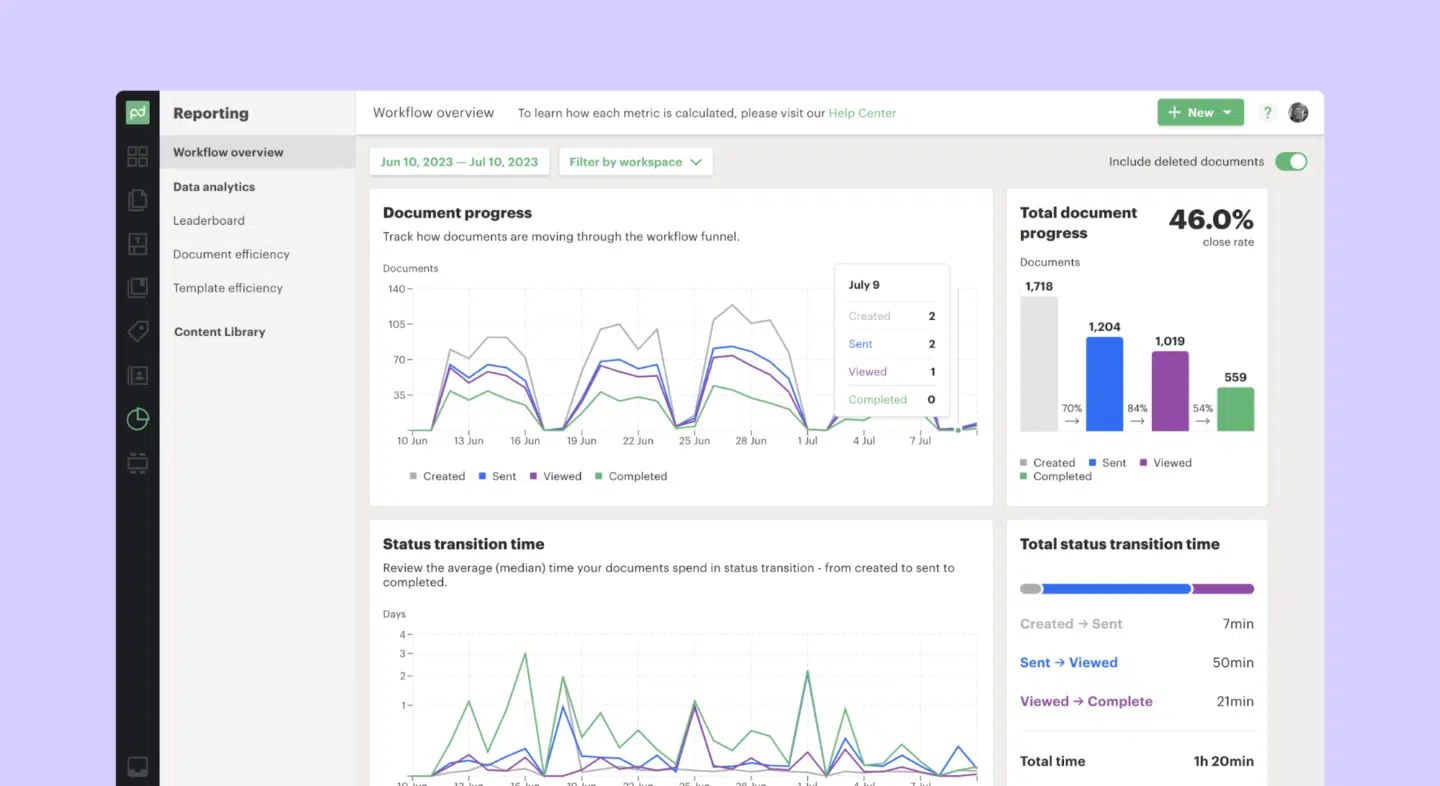
PandaDoc provides document automation and e-signature workflows, helping sales teams to create, send and manage proposals and contracts as part of the quote-to-cash process.
See also: Top 20 PandaDoc Alternatives and Competitors 2026
Key features
- Template management with variables/merge fields to auto-fill customer and product information
- E-signature workflows including approval/signing order, reminders and status tracking
- Embedded payment integration allowing customers to pay directly in documents via Stripe, PayPal, Authorize
Pricing details and plans
- Starter: from $19/mo/user
- Business: from $49/mo/user
- Enterprise: Custom pricing model
User review
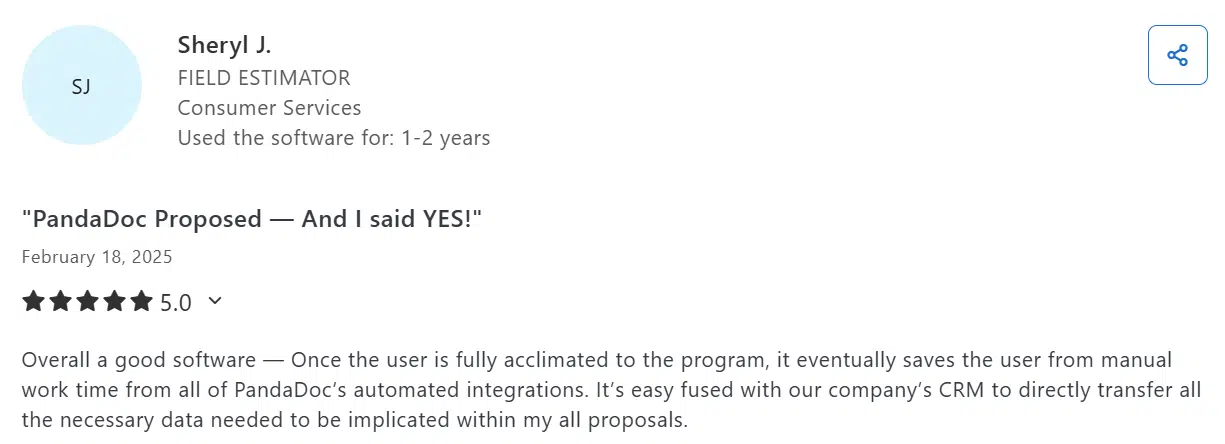
PandaDoc has 4.5 stars on Capterra. Users appreciate PandaDoc for its intuitive drag-and-drop document editor, fast proposal and contract workflows and e-signing and template features.
DealHub
Rating: 4.5
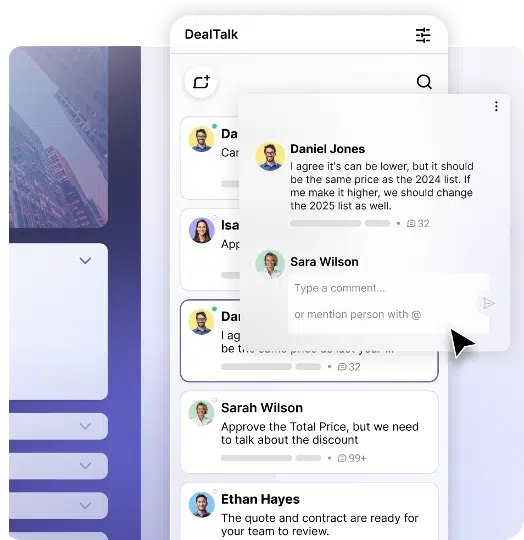
DealHub integrates CPQ with sales engagement capabilities, such as guided quoting, interactive proposals and buyer insights, to help sales teams configure deals correctly, move them through approvals and shorten sales cycles.
Key features
- Digital DealRooms and collaborative workspaces for sharing proposals, content and communication with buyers
- Engagement tracking that shows how prospects interact with quotes and documents throughout the sales cycle
- Revenue intelligence tools that analyze deal activity to flag risks and highlight sales trends
Pricing details and plans
DealHub offers custom pricing.
User review
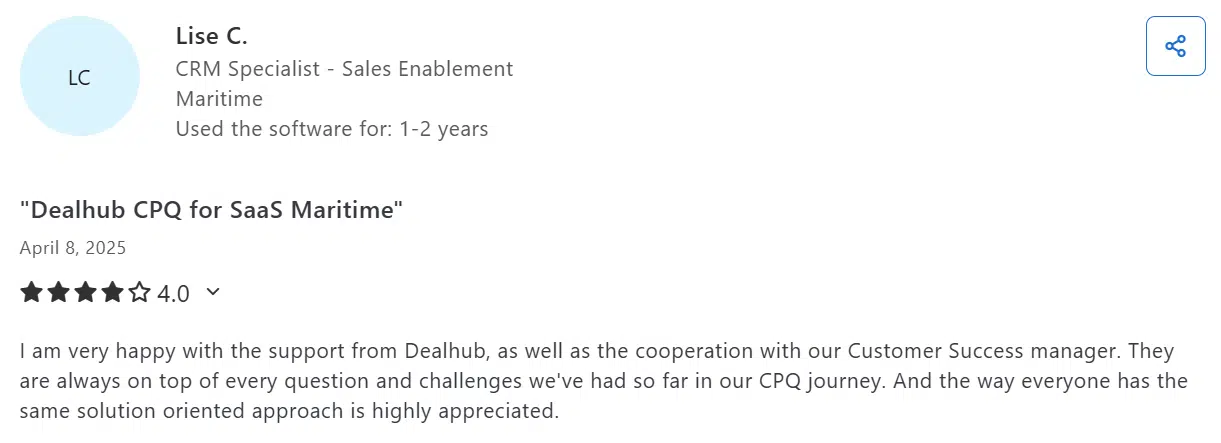
Users say DealHub is quite flexible in quoting and configuration, with good customer support. They rated it 4.7 on Capterra.
Conga CPQ
Rating: 4.3
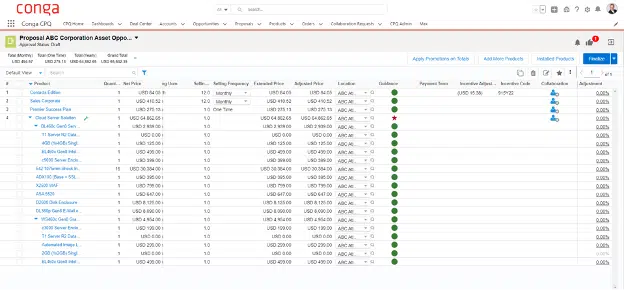
Conga CPQ provides quote automation combined with contract lifecycle management, particularly useful for companies with complex approval processes.
Key features
- Quote automation with complex product configuration, pricing rules and discount controls
- Contract lifecycle management covering template libraries and document generation
- E-signature and digital transaction management
Pricing details and plans
Conga uses custom pricing based on user count and feature requirements.
User review
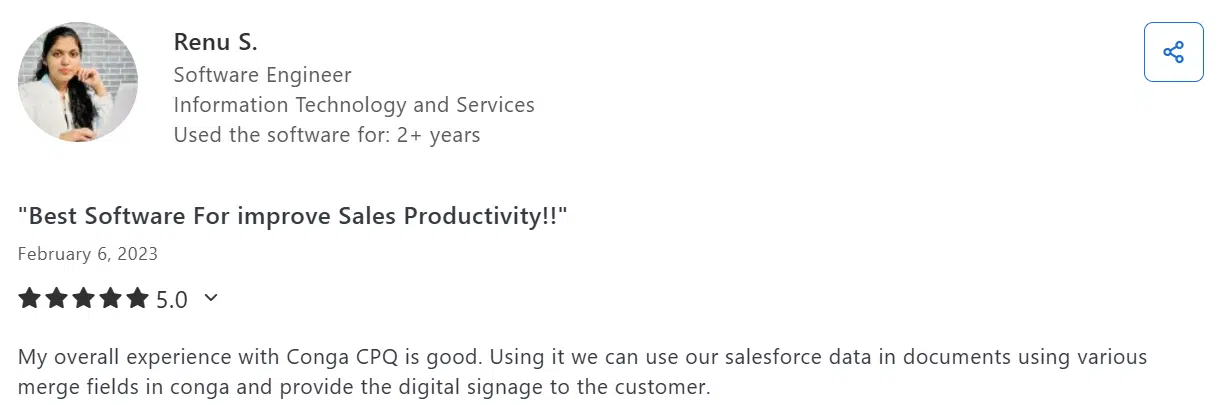
Conga CPQ has 4.2 stars on Capterra. Users say it’s good for handling complex quote creation and pricing rules.
HubSpot Commerce Hub
Rating: 4.4
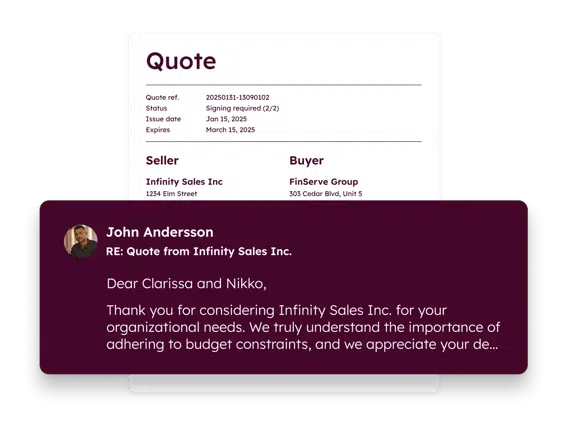
HubSpot Commerce Hub embeds quote-to-cash tools, including quoting, billing, payments and quote-to-invoice workflows, directly within the HubSpot CRM. This helps teams unify deal, payment and customer data.
See also: HubSpot contract management software: Top 9 integrations
Key features
- Native CRM integration
- Payment processing through HubSpot Payments or Stripe
- Invoice creation and tracking directly from quotes or deals
Pricing details and plans
- Professional: $85/mo/user
- Enterprise: $140/mo/user
User review
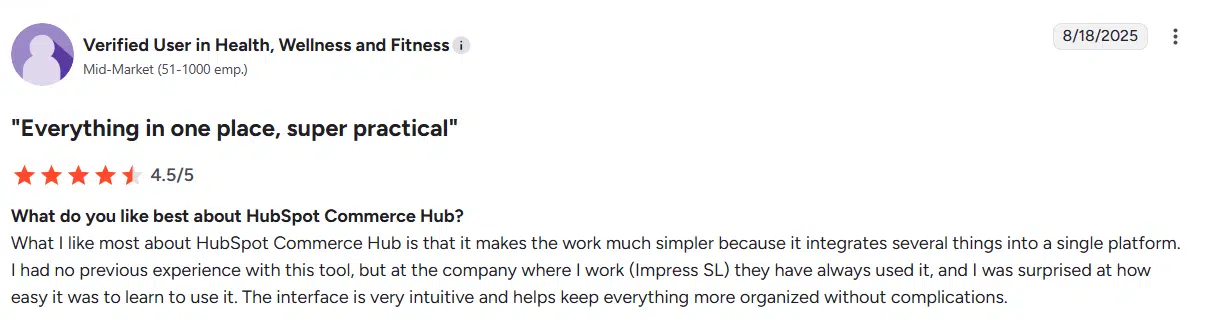
HubSpot Commerce Hub has no ratings on Capterra, which is why we analyzed its G2 ratings. It has 4.4 stars on this review site. Users say the platform keeps quoting, payments and subscription workflows together inside CRM so things run smoother.
OneBill
Rating: 4.2
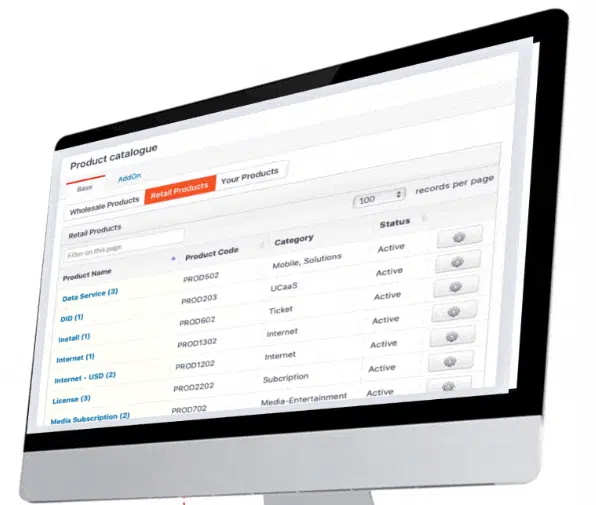
OneBill provides subscription, usage-based, hybrid and dynamic pricing billing with support for telecommunications, utilities, and other industries needing metered billing.
Key features
- Multi-tenant billing
- Integration with multiple payment gateways
- Pricing and billing analytics
Pricing details and plans
The pricing is available upon request.
User review
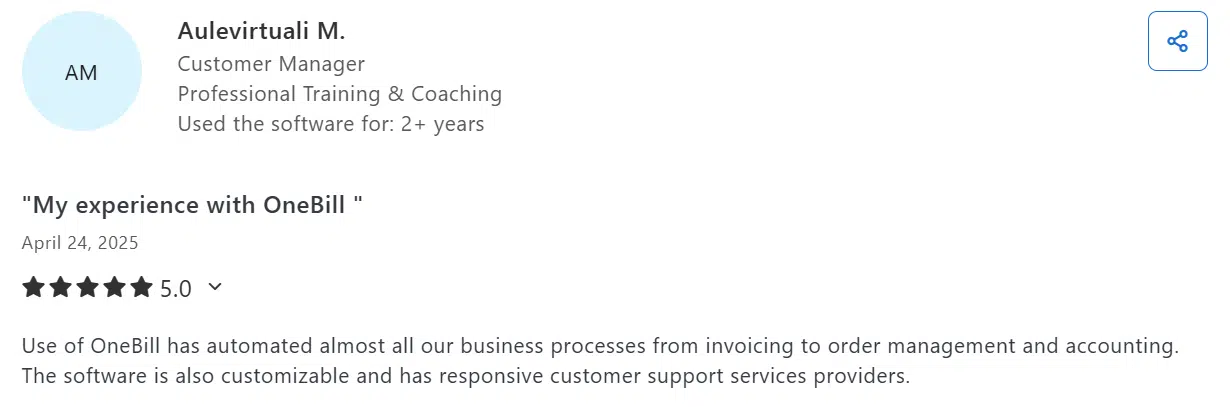
Users on Capterra say OneBill automates billing and subscription tasks, offers strong customization and responsive support. It has a 4.8 rating.
Final verdict
Choosing the right quote-to-cash software depends on your specific business requirements, technical capabilities and growth objectives. Large enterprises with complex product catalogs might need Salesforce CPQ’s extensive customization, while subscription businesses might prefer Maxio’s billing automation.
However, most businesses need a balanced approach that combines ease of use with comprehensive functionality. Oneflow delivers this balance through dynamic contracts that support real-time collaboration, AI-powered insights and seamless integration with existing business processes. It’s fully GDPR compliant with a mobile-ready architecture that supports modern work patterns.
The future belongs to platforms that treat contracts as collaborative workspaces rather than static documents. AI will continue automating routine tasks while integrated analytics provide deeper insights into your revenue performance.
Ready to transform your quote-to-cash process? Try Oneflow and discover how dynamic contracts can accelerate your sales cycle while reducing revenue leakage.
Disclaimer:
All information on this page is derived from publicly available sources such as G2, Capterra, and other software listing sites. Oneflow does not verify the accuracy, completeness, or currentness of this information. Accordingly, Oneflow assumes no responsibility or liability for any inaccuracies, errors, or omissions in the content, nor for any actions taken in reliance on such information. Users are advised to independently verify any information before making decisions based on it.
FAQs
How much does quote to cash software cost?
Quote to cash software pricing varies significantly based on features and user count. Simple solutions start around $17 per user per month, while enterprise platforms cost $150+ per user monthly plus implementation fees.
Do I need quote to cash software if I already have CPQ?
CPQ software only handles configure-price-quote functionality. If you’re struggling with contract management, billing accuracy or revenue recognition across multiple payment methods, you need broader quote-to-cash software capabilities to consequently increase your customer satisfaction and retention as well as sales performance.
How long does it take to implement quote to cash software?
Implementation timelines range from 2-4 weeks for simple solutions to 6-12 months for complex enterprise deployments.
Can quote to cash software integrate with my existing CRM?
Most modern Q2C platforms offer native integrations with popular customer relationship management systems like Salesforce, HubSpot and Microsoft Dynamics.
.png?id=40edbc9ee25345a211152388fdcf1fd2)

.png?id=073897979970647cd034d6db96c145de)