Remember when finding a contract meant digging through filing cabinets full of paper documents, or scrolling endlessly through shared drives hoping you named that file something searchable? You can say goodbye to them.
The document management market is projected to reach $37 billion in the next ten years. Why the growth? Because businesses finally realized that managing documents shouldn’t feel like solving a puzzle with half the pieces missing. The shift from paper to digital documents has accelerated, and many document management systems now offer capabilities that were unimaginable just a few years ago.
This article walks you through the AI document management revolution happening right now and introduces you to the 10 tools making it possible. You’ll see how they work, what makes them different, and which one might actually solve your document chaos by helping you manage files more efficiently.
How AI is transforming document management in 2026
A document management system stores, manages and tracks electronic documents throughout their lifecycle.
These systems let you create, share, store, and track electronic documents from creation to disposal or archiving. They handle version control so you know which document is the latest, manage access permissions so only the right people see sensitive files, and provide search capabilities with filtering and tagging options. Modern systems support multiple users working simultaneously, enable file sharing across teams, and help organize documents in ways that make sense for your business processes.
Add AI and automation to the mix, and your document management solution becomes something else, pulling data from CRMs to create contracts and helping you write business documents from scratch.
Modern AI features include:
- AI-assisted contract-drafting: Instead of starting from scratch every time, AI can draft initial versions of contracts and other business documents based on your templates and prompts. It learns your company’s language and preferences, becoming more valuable and accurate over time.
- AI-powered search: Many document management systems now incorporate optical character recognition to make even scanned paper documents searchable, pulling content from multiple sources into one unified search experience.
- AI insights: AI can analyze patterns and trends across your document repository, turning your existing documents into actionable intelligence that informs your business plans and improves business processes and decisions across departments.
- AI contract review: The system can flag anything that doesn’t match your standard clauses, highlight potential risks, and suggest better language.
Best document management systems overview
Here is our list of the top tools that help achieve those results.
| Tool | Monthly pricing | Best for | Capterra rating | Key AI features |
|---|---|---|---|---|
| Oneflow | From $58/user/mo (min 5 users) | Mid to large businesses needing dynamic contracts with CRM integration and e-signatures | 4.6 | AI contract writing and review, intelligent insights, metadata search capabilities |
| DocuWare | N/A | SMBs needing document digitization and workflow automation | 4.6 | Intelligent indexing, OCR, automated classification |
| Ironclad | N/A | Large enterprises with complex legal workflows | 4.4 | AI redlining, Jurist AI assistant, risk detection |
| Juro | N/A | Fast-growing companies prioritizing speed and adoption | 4.8 | AI drafting, AI review, AI extract for PDFs |
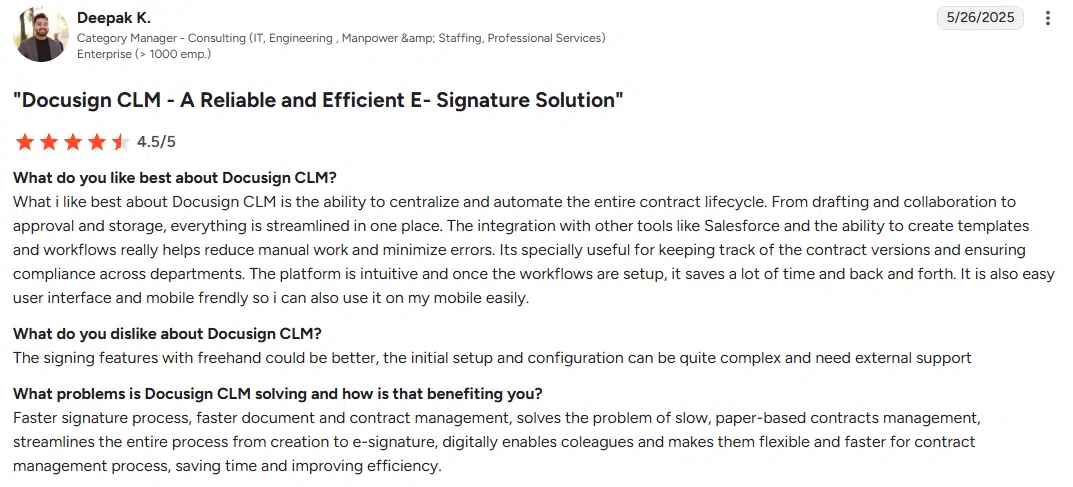
| Docusign CLM | From $65 | Organizations wanting to expand from simple e-signatures into CLM | 4.5 | Intelligent Agreement Management, AI summarization, predictive analytics |
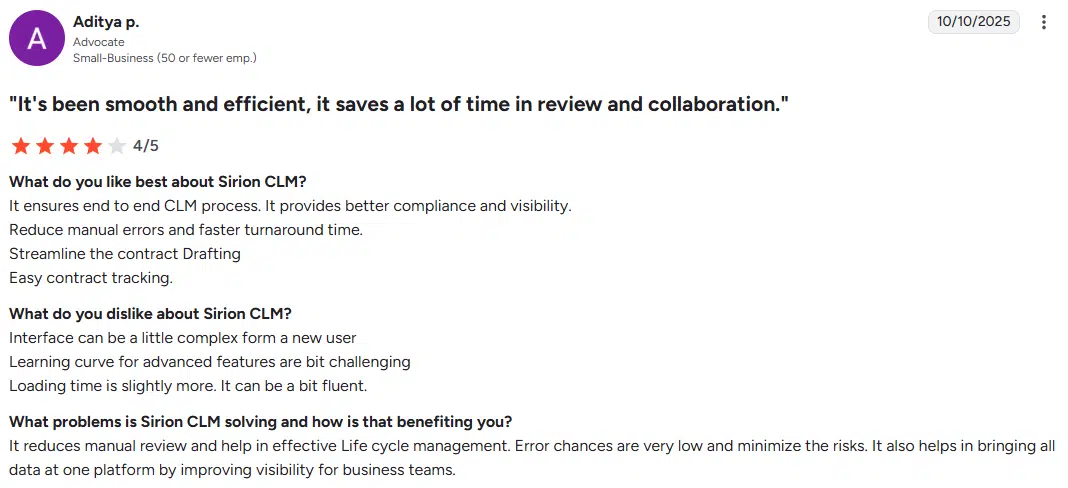
| Sirion | N/A | Enterprises managing complex supplier relationships | 4.5* | AskSirion conversational AI, data extraction |
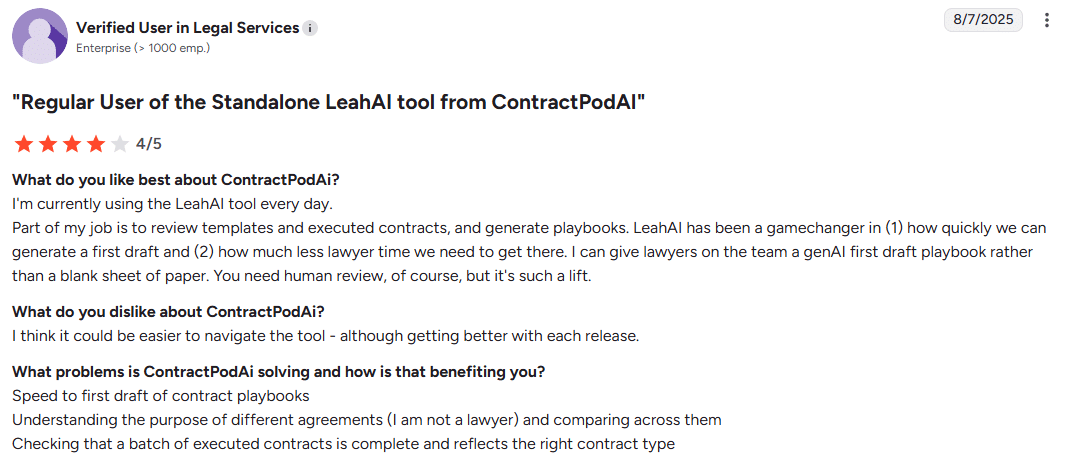
| ContractPodAi | N/A | Legal teams needing a comprehensive operations platform | 4.5 | Leah AI assistant, AI-powered negotiations, risk scoring |
| Conga CLM | N/A | Connected revenue lifecycle and contract management | 4.3 | Document generation, revenue optimization |
| PandaDoc | From $35 | Small to mid-sized sales teams | 4.5 | Document analytics, automated workflows |
| Concord | From $499 | Mid-market companies prioritizing ease of use | 4.6 | Agreement intelligence, automated contract review |
*G2 rating, as Capterra is not available for Sirion.
Top 10 AI-boosted document management system options
Let’s dive into these options in more detail.
Oneflow

Oneflow isn’t just another tool that digitizes your PDFs and calls it innovation. It’s a contract management software and proposal software that treats contracts as living documents, not static files locked in a proprietary format.
With Oneflow, organizations avoid juggling multiple systems just to manage contracts and documents. Instead of information living in separate tools, the same data flows through your CRM and into agreements, and can push directly to ERP or other systems—creating a single source of truth. Incoming and outgoing contracts can be stored and tracked in one place, with clear access rights, lifecycle visibility, and integrations that ensure teams always work from accurate, up-to-date information rather than hunting down the latest version.
Oneflow is purpose-built for quote-to-cash automation, keeping your CRM as the single source of truth instead of creating another siloed system to maintain. Unlike solutions that require Dropbox Business or M Files for file sharing, Oneflow provides secure storage and document management in a single platform.
The AI Review feature provides instant risk and compliance analysis, allowing companies to prevent issues and cut review times. The platform’s edit-after-send capability means negotiations no longer require creating multiple new versions of the document every time you need to make a change. You can simply update the living document, allowing for flexibility, while keeping track of the document history.
Best for: Mid to large organizations that struggle with scattered contract storage, limited visibility into post-sign activities, and manual handovers between teams. It’s especially useful for companies that need clearer tracking of renewals, amendments, and compliance requirements, and want to centralize documents so finance, legal, and operations can access accurate, up-to-date versions without chasing down PDFs or emailing files.
Key features
- Dynamic, editable HTML contracts that replace static PDFs and support all file types
- Electronic signatures and digital signatures natively integrated with the option to set up a signing order
- Two-way CRM sync with Salesforce, HubSpot and Microsoft Dynamics
- AI-powered contract review and writing
- Real-time collaboration with inline comments and collaboration tools
- Automated reminders and renewals tracking for document retention
- Template management with smart fields for document creation
- Contract repository with full-text and metadata search across document content
- Mobile-optimized for signing anywhere with easily accessible web apps
- Security and compliance with the highest protection (ISO 27001, 9001 and 14001 certifications, GDPR-compliant, encrypted mirrored databases, TLS 1.2 and AES 256 encryption)
Pricing
Oneflow has flexible pricing for any organization, regardless of size and needs. Plans scale with your business, providing better value compared to maintaining separate software tools for proposals, contracts and e-signatures.
- Free 14-day trial
- Business: $58/user/month (min 5 users) with contract templates, standard integrations, AI features, multiple workspaces, approvals and lifecycle management
- Enterprise: Custom pricing with single sign-on and custom admin roles
Request the demo to see the full power of Oneflow.
User review
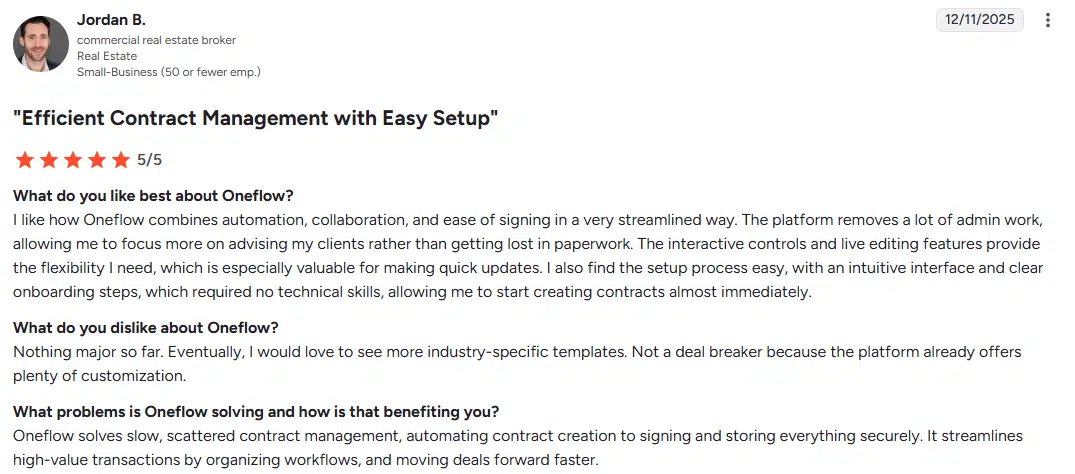
This complete document management solution—not just an e-signature tool—isparticularly valuable for businesses that want to manage their contracts in a single platform. Oneflow’s flexibility works whether you’re sending proposals, quotes or complex multi-party agreements. The system handles records management and ensures compliance requirements are met.
Try Oneflow and see how dynamic contracts can replace your PDF workflow in days, not months.
DocuWare

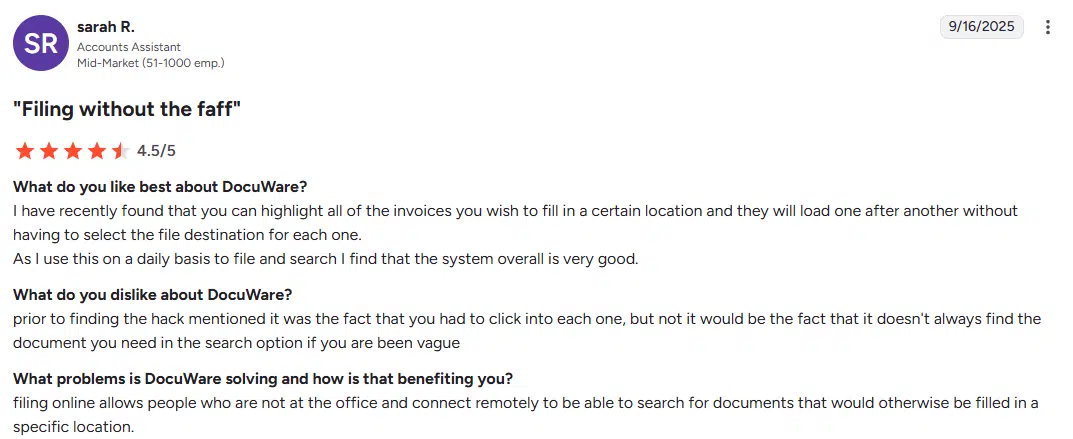
DocuWare has an intelligent indexing technology that automatically reads documents using optical character recognition (OCR), extracts key information, and files everything in the right place. This intelligent content management approach helps businesses manage files efficiently and organize documents.
It handles content capture from multiple sources, whether you’re scanning paper documents or importing digital documents from other systems. Multiple users can access particular files simultaneously while maintaining content security and tracking document history.
Best for: Small to medium businesses that need to digitize paper-heavy processes and automate workflows without requiring an IT department.
Key features
- Intelligent document indexing with OCR for scanning paper documents
- Automated workflow routing and workflow management
- Mobile access via iOS and Android apps for easily accessible file management
- Integration with business applications
- Cloud and on-premises deployment options with secure storage
- Full-text search across all file types
- Version control with previous versions tracking and an audit trail
- Automated retention and deletion workflows for document retention policies
- AI for automated document processing
Pricing
Contact the provider for pricing information.
User review
Ironclad
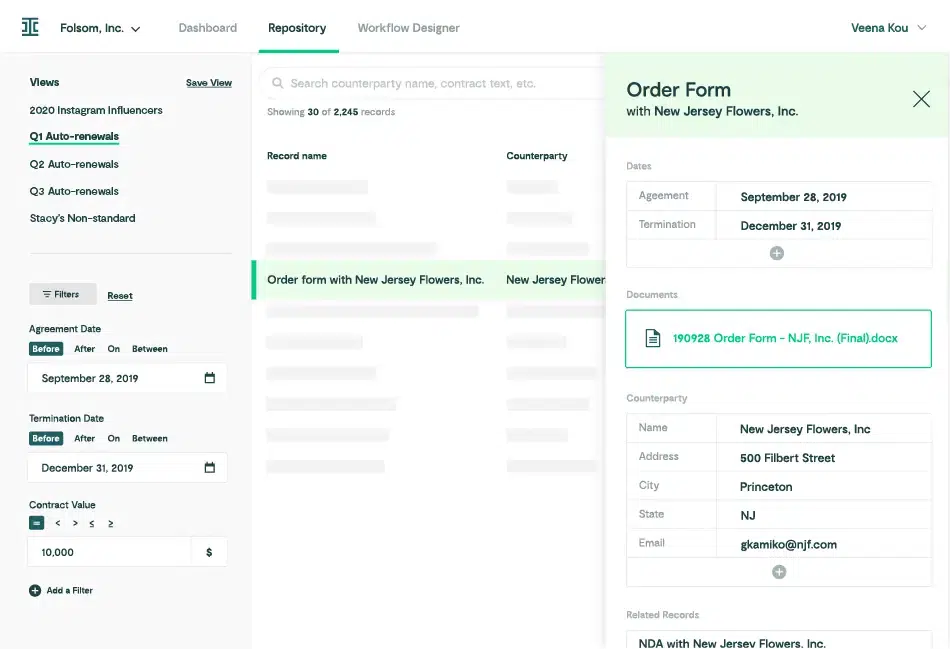
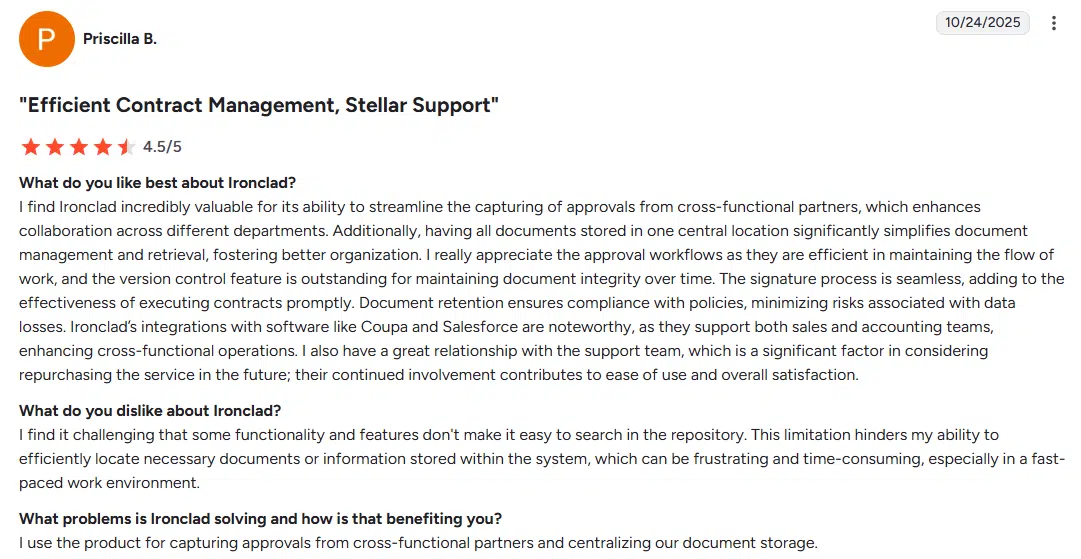
Ironclad handles everything from simple NDAs to complex commercial agreements, with AI doing the heavy lifting on contract review. The Jurist AI assistant can draft and redline contracts, detect issues and suggest approved language. It also includes conversational search for natural language queries. The system maintains comprehensive document history and enables seamless file sharing across legal and business teams.
Best for: Enterprise legal teams managing high volumes of complex contracts with sophisticated approval requirements.
See also: Ironclad alternatives
Key features
- No-code workflow builder for workflow management
- AI-powered contract redlining and document creation
- Native e-signature capabilities
- Salesforce integration
- Contract repository with analytics and records management
- Obligation tracking and alerts for document retention
- Approval routing automation supporting multiple users
- Smart import with AI-powered data extraction and property detection
- Conversational Search for natural language queries
Pricing
Contact the provider for pricing information.
User review
Juro
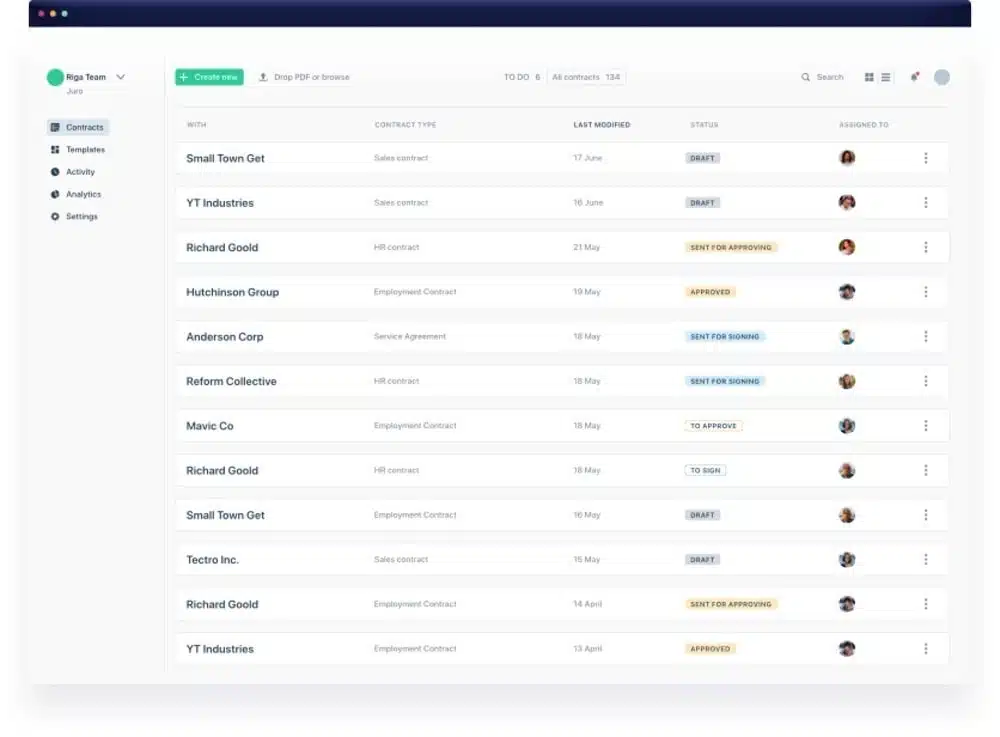
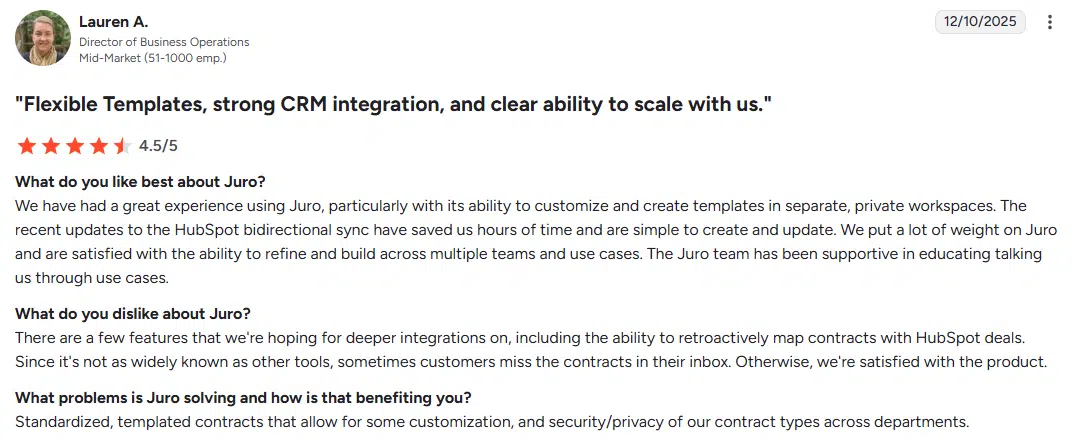
Juro’s AI Assistant can draft, review and summarize contracts. The browser-native editor means no more downloading Word files, making changes and re-uploading. Team members can collaborate directly in the tool, speeding up the contract drafting process.
The platform enables multiple users to work simultaneously on document content, with all previous versions being tracked automatically. Content management features ensure secure storage while making file sharing simple across teams.
Best for: Fast-growing B2B SaaS companies and tech startups that need to speed up contract generation without legal becoming a bottleneck.
See also: Juro alternatives
Key features
- AI-powered contract drafting for document creation
- Real-time collaboration in browser
- AI extract for PDFs and content capture
- Integrations with Salesforce, HubSpot, Slack and other systems
- E-signature built-in
- Dynamic repository with advanced search across all file types
- Automated reminders for renewals and document retention
Pricing
Custom quotes based on contract volume.
User review
Docusign CLM
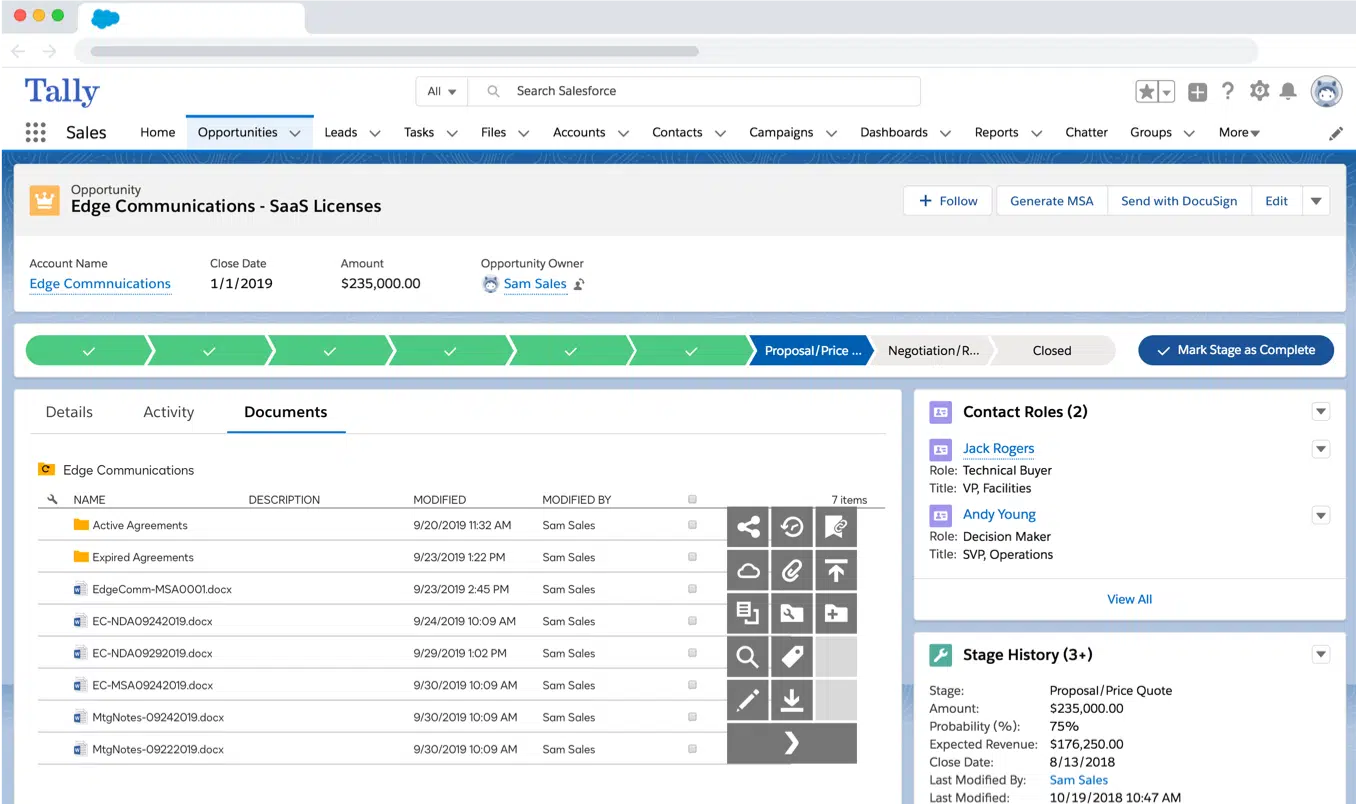
Docusign combines e-signature and CLM capabilities. The Intelligent Agreement Management (IAM) platform uses AI to speed up document review, automate workflows, and provide analytics on your contract portfolio. The platform manages content and provides secure storage with comprehensive protection. Multiple users can collaborate on document creation while the system maintains document history and tracks previous versions.
The AI engine powers capabilities like streamlined intake and task management, multi-stakeholder collaboration, and advanced conditionality.
Best for: Organizations that want to extend into full contract lifecycle management from basic e-signatures.
See also: Docusign alternatives
Key features
- AI-powered document summarization and content capture
- Automated clause extraction from document content
- Pre-configured workflow steps for business processes
- Salesforce, NetSuite, SAP Ariba connectors, among other systems
- Drag-and-drop workflow editor
- Central contract repository with records management
- Obligation and renewal management for compliance requirements
- AI engine for data extraction, generative Q&A and document summarization
- Workspaces for collaboration
Pricing
- IAM Starter: For individuals, starts at $65/month/user with monthly billing
- IAM Standard: For SMBs with complex workflows, $75/month/user for three users minimum
- IAM Professional: Advanced features for enterprises, $95/month/user
- Enhanced: Custom enterprise pricing with more sophisticated features
User review
Sirion
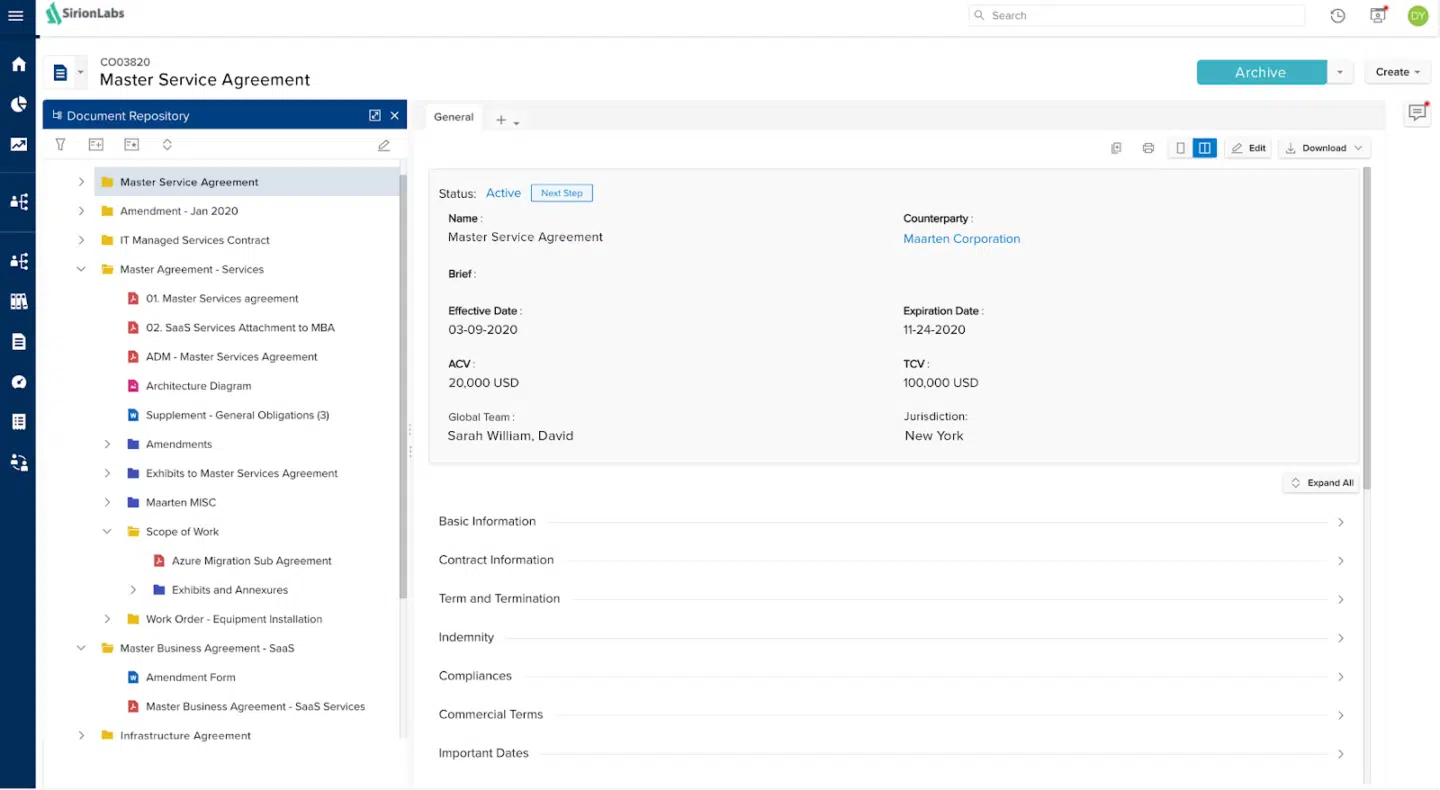
Sirion’s AskSirion feature allows you to have natural language conversations with your contract repository. Ask “Show me all supplier contracts with price escalation clauses expiring in Q2” and get instant answers. This information retrieval system works across all file types and can organize documents from multiple sources.
The platform enables contract review and allows teams to review and redline contracts, while AI-driven issue detection helps close deals more efficiently. The system handles intelligent content management and maintains comprehensive document history for all documents stored in the repository.
Best for: Large enterprises managing complex supplier relationships and needing advanced contract analytics.
Key features
- AskSirion conversational AI interface for information retrieval systems
- Contract extraction in multiple languages with optical character recognition
- Obligation tracking
- Risk scoring and compliance monitoring with content security
- Predictive analytics for renewals and records management
- Automated metadata extraction
- Context-aware clause redlining with explanations
- Risk and deviation detection
- Contract drafting with AI assistance
Pricing
Pricing based on contract volume and feature requirements.
User review
ContractPodAi

ContractPodAi has evolved beyond traditional CLM with Leah AgenticOS, an enterprise-wide agentic operating system. It spans contract lifecycle management, legal workflows, procurement and enterprise-wide agent orchestration. The platform integrates GPT-5 for enhanced reasoning and document analysis. Organizations can access specialized AI apps from partners for domain-specific challenges like DORA compliance and financial analysis.
The system supports multiple users with different roles, enables secure file sharing and maintains document history across all business processes. Content management features ensure particular files remain easily accessible while meeting compliance requirements.
Best for: Legal departments wanting a comprehensive legal operations platform beyond just contract management.
See also: ContractPodAi alternatives
Key features
- Leah AI for contract drafting and review with intelligent content management
- Automated risk scoring for content security
- Template and clause library management for document creation
- E-signature integration
- Spend analysis and reporting across multiple sources
- Integration with Microsoft 365, Salesforce and other systems
- Multi-language support
Pricing
Contact the provider for pricing information.
User review
Conga CLM
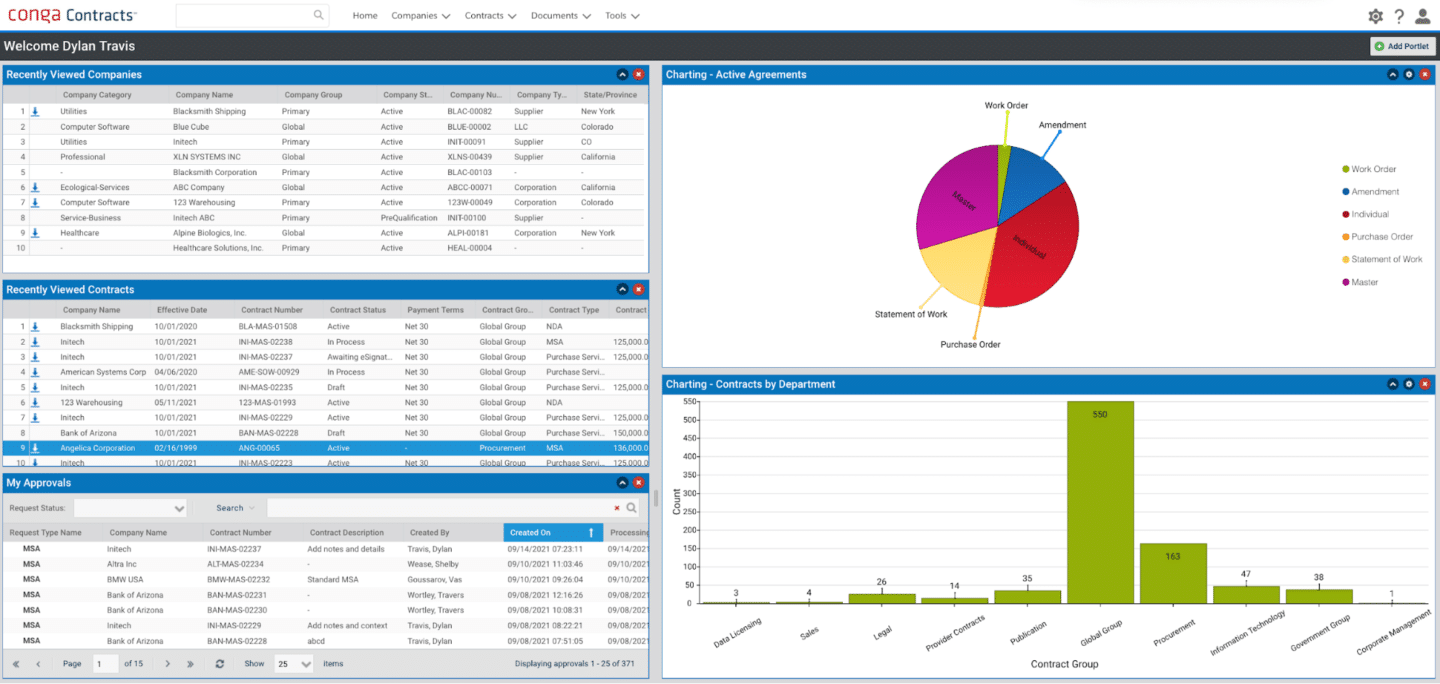
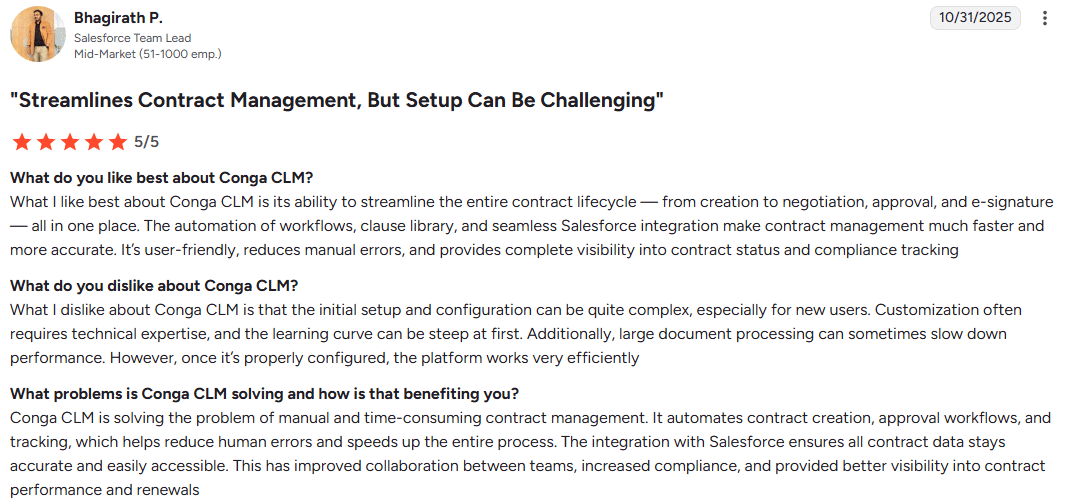
Conga connects contracts to the broader revenue lifecycle. If your business runs on Salesforce and you need contracts generated from quotes automatically, Conga helps. The platform handles workflow management and integrates with other systems to support digital contract management and business processes across departments.
Multiple users can collaborate on document creation while the system maintains document history and enables file sharing across teams.
Best for: Enterprises needing tight integration between revenue lifecycle and contract management.
Key features
- CPQ to CLM workflow automation for business processes
- Document generation from templates
- Approval workflow configuration for multiple users
- Contract repository and search with records management
- Renewal management and document retention
- Revenue optimization tools
- E-signature capabilities with secure storage
- AI contract review, risk analysis, summaries, obligations tracking and profit identification
Pricing
Contact the provider for pricing information.
User review
PandaDoc
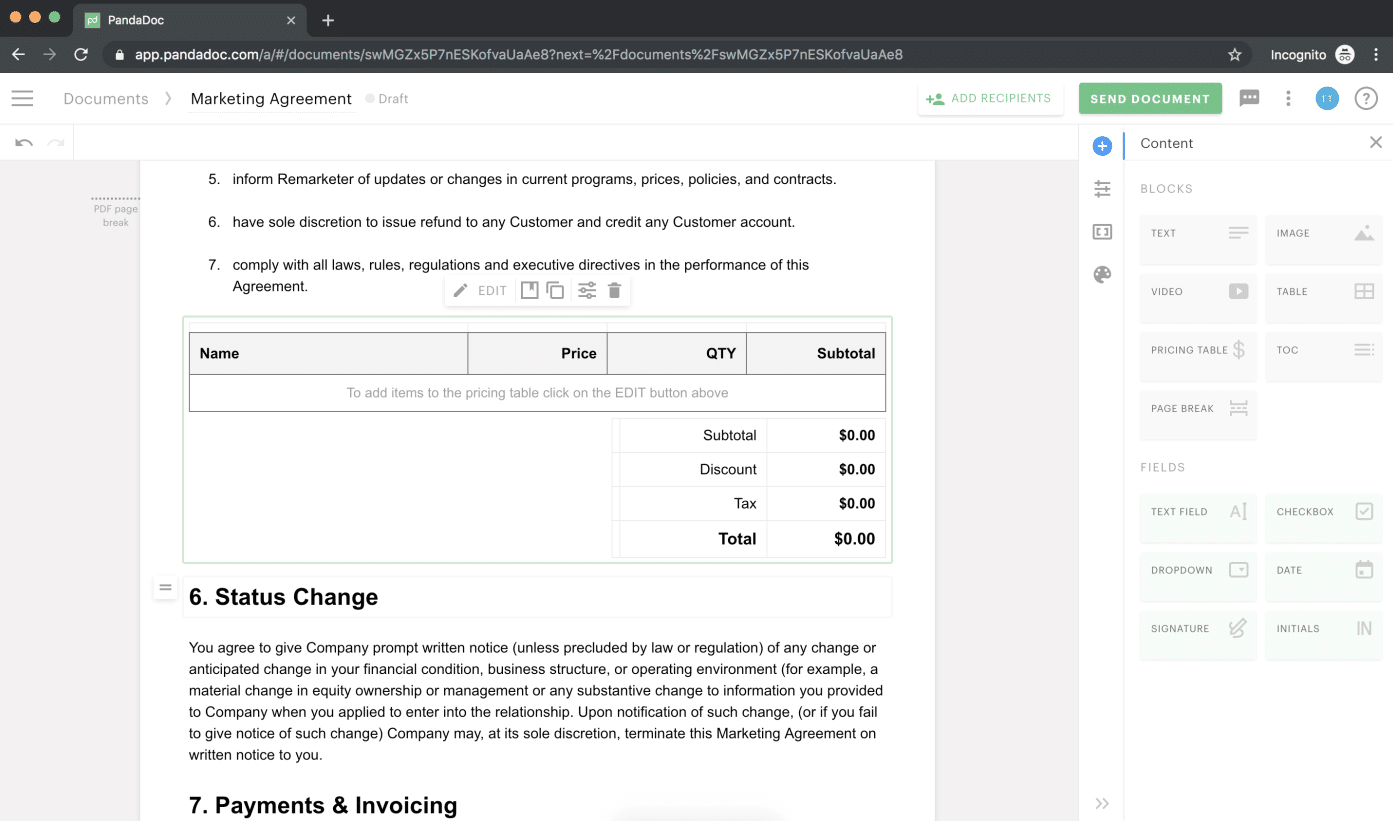
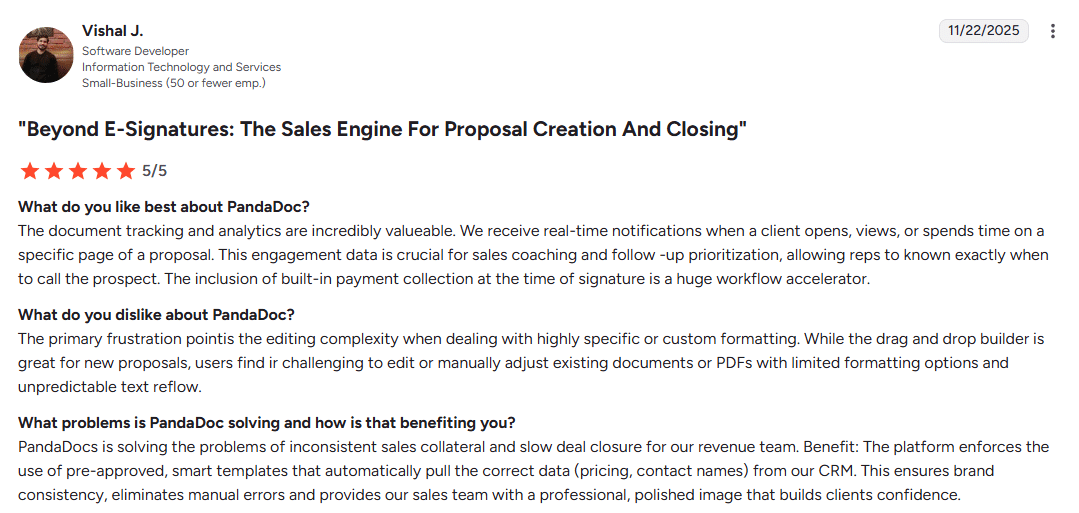
PandaDoc’s drag-and-drop document editor and extensive template library help draft contracts simply and quickly. The platform provides easily accessible web apps for file management. The system supports multiple users collaborating on document content, enables file sharing with customers, and maintains previous versions for reference.
It generates and routes agreement workflows from natural language prompts. The platform also includes intelligent document review and expanded compliance capabilities.
Best for: Sales teams in small to mid-sized companies that prioritize speed and ease of use over advanced legal features.
See also: PandaDoc alternatives
Key features
- Drag-and-drop document builder for document creation
- Templates for various industries and use cases
- CRM integrations
- Payment collection in documents
- Document analytics and tracking of document history
- Mobile app for iOS and Android with an easily accessible interface
- Approval workflows for business processes
- CPQ capabilities
- MCP server for agreement automation
Pricing
- Free: Includes 60 free docs
- Starter: $35/user/month with document uploads, e-signatures and real-time tracking
- Business: $65/user/month with custom agreements, branding and approval workflows
- Enterprise: Custom pricing with SSO, team workspaces and smart content
User review
Concord
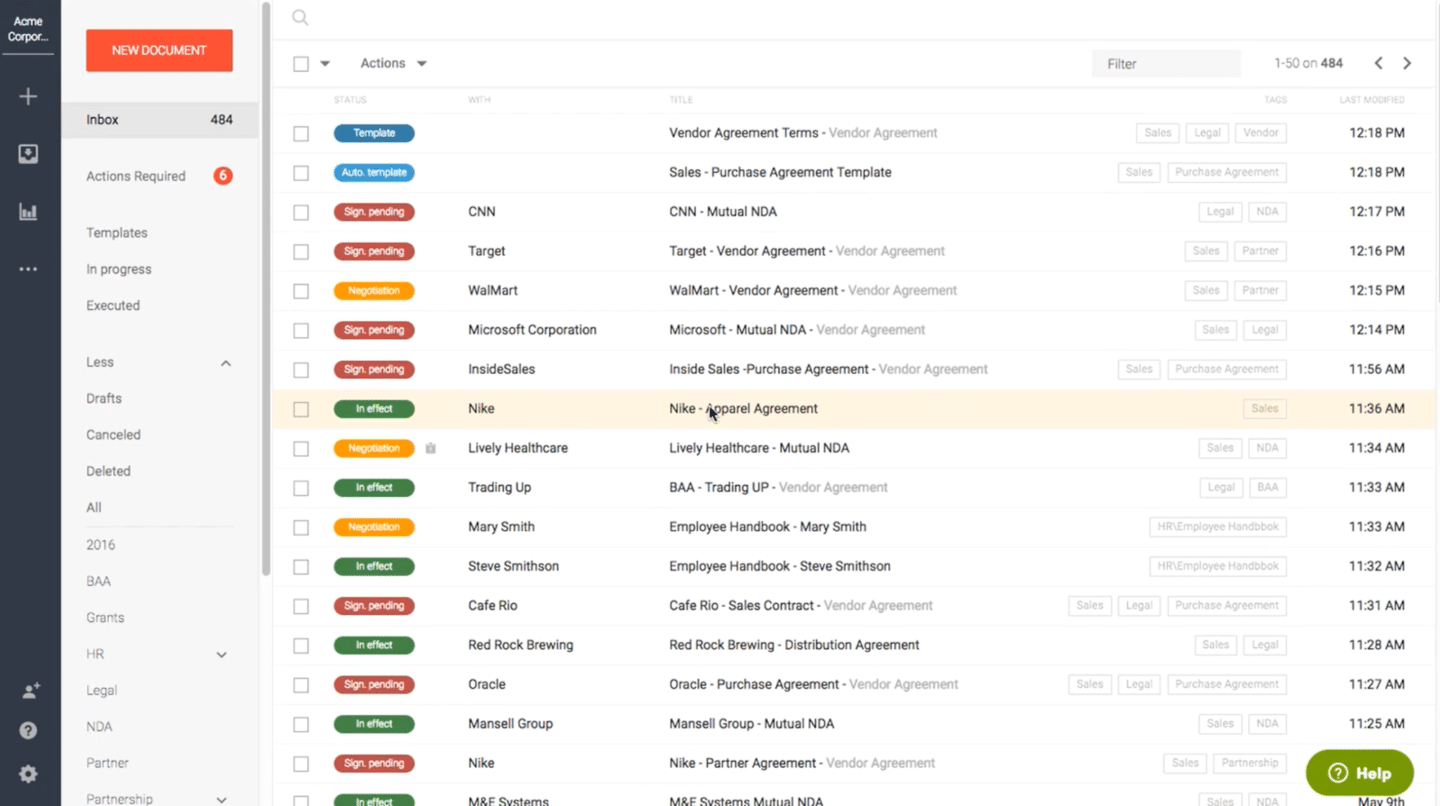
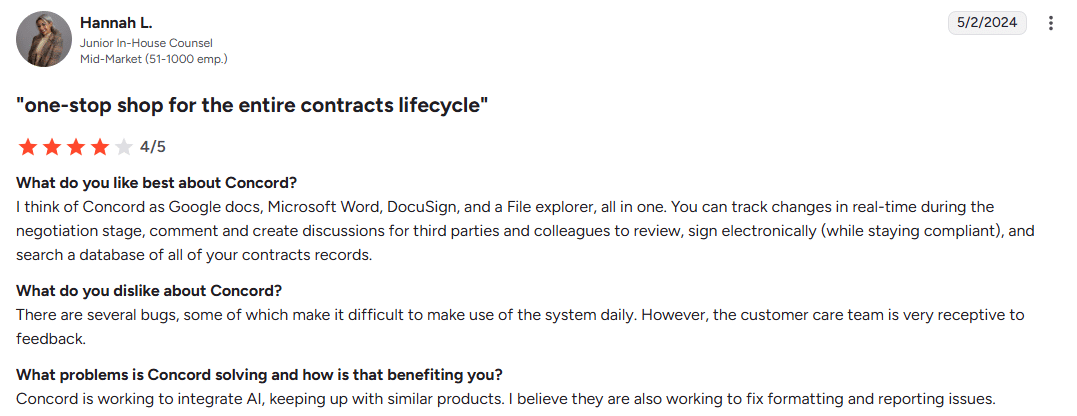
Concord handles workflow management and enables multiple users to collaborate on documents. The system provides secure storage, maintains document history, and enables file sharing across teams. Content management features ensure particular files remain easily accessible while meeting compliance requirements.
Concord includes a conversational AI feature that lets you ask questions about your contracts and documents in natural language. It also delivers instant contract insights, risk identification and plain-language answers about clauses, terms and deadlines.
Best for: Mid-market companies wanting CLM features with conversational AI.
See also: Concord alternatives
Key features
- Unlimited e-signatures and document storage
- Integration with Google Drive, Dropbox, Salesforce and other systems
- Approval routing for multiple users
- AI for conversational contract management, natural language search, reports and risk identification
- Real-time collaboration with in-browser redlining and version control
- Automated alerts for renewals, deadlines and obligations
Pricing
- Essentials: $499/month paid annually with AI Copilot, extraction and unlimited e-signatures
- Business: $899/month with approval workflows and extensive integrations
- Enterprise: $1299/month with custom branding and subsidiary management
User review
Your first step toward modern document management
AI-powered platforms are changing how businesses handle everything from vendor contracts to customer proposals, making the pros of improved workflows clear: faster, more accurate and significantly less frustrating processes.
Oneflow stands out by treating contracts as living assets rather than static files locked in a proprietary format. With AI-powered writing and review, two-way integrations, and the ability to edit contracts even after sending, it reflects how your business actually works. You get secure storage, complete document history, and collaboration in easily accessible web apps that support all file types.
When sharing files with clients, managing compliance requirements or organizing documents from multiple sources, having the right information retrieval systems makes all the difference.
Try Oneflow and experience what document management looks like when it’s designed for the future.
FAQs
What are the biggest challenges in implementing a document management system?
The main challenges are getting teams to switch from existing processes, migrating legacy documents and data accurately from paper documents, and ensuring proper training so the system actually gets used. Many document management systems fail because users resist change, or the migration isn’t planned properly.
Choose a user-friendly software like Oneflow that doesn’t require extensive training and has clear processes for handling existing documents during migration.
What’s the difference between cloud-based and on-premise file management systems?
Cloud-based systems store documents on servers accessible via web apps from anywhere, with secure storage. They typically have subscription pricing (often including unlimited storage), automatic updates, and minimal IT requirements. Multiple users can access files easily and simultaneously, and integration with other systems is usually straightforward.
On-premise systems run on your own servers, giving you complete control over data and content security but requiring more IT resources for maintenance and updates. You manage your own files, workflows and infrastructure. Most modern businesses choose cloud-based solutions for flexibility and lower upfront costs, while large companies and highly regulated industries typically require more consideration around where document content is stored and how particular files are secured.
What security features should I look for in a document management system?
Essential security features include role-based access control, limiting who can view or edit documents; encryption for data both in transit and at rest, comprehensive audit trails tracking all document activity and document history, compliance with regulations like GDPR or HIPAA relevant to your industry, and two-factor authentication for user logins.
Look for certifications like SOC 2 or ISO 27001 that verify the vendor’s security practices have been independently audited. Consider how the system handles file sharing, whether it protects different file types equally, and how it manages secure storage of document content.
How does AI improve document management software in 2026?
AI transforms document management from passive storage to active assistance. It automatically extracts metadata from documents using optical character recognition for searchable repositories, reviews contracts against your standards and flags deviations, drafts initial versions of documents based on your templates and prompts, enables natural language search so you can find documents, and predicts which contracts need attention based on dates and patterns. The result is faster work, fewer errors, and insights you couldn’t get from manual review.
.png?id=40edbc9ee25345a211152388fdcf1fd2)

.png?id=073897979970647cd034d6db96c145de)