Our contract signing research found that 48% of respondents sign and send contracts via mobile at least once a month. But signing itself is only one part of the contracting process.
A useful contract management app also lets you create, review and approve agreements on the go, then use the signed record to track obligations and renewal dates. Contract management software with functional mobile access supports the entire contract lifecycle and connects customer contracts with the business systems used for post-sign work.
Contract management software can provide mobile access in several ways. Some vendors offer dedicated iOS or Android apps, while others let users open contracts in a mobile browser. Mobile access does not always cover every part of contract lifecycle management. A product may support signing and approvals on a phone but require a desktop for drafting, reporting or administration.
Let’s explore seven contract management tools and look into their mobile access, workflow coverage, integrations and limitations.
Quick answer: which contract management apps should you consider?
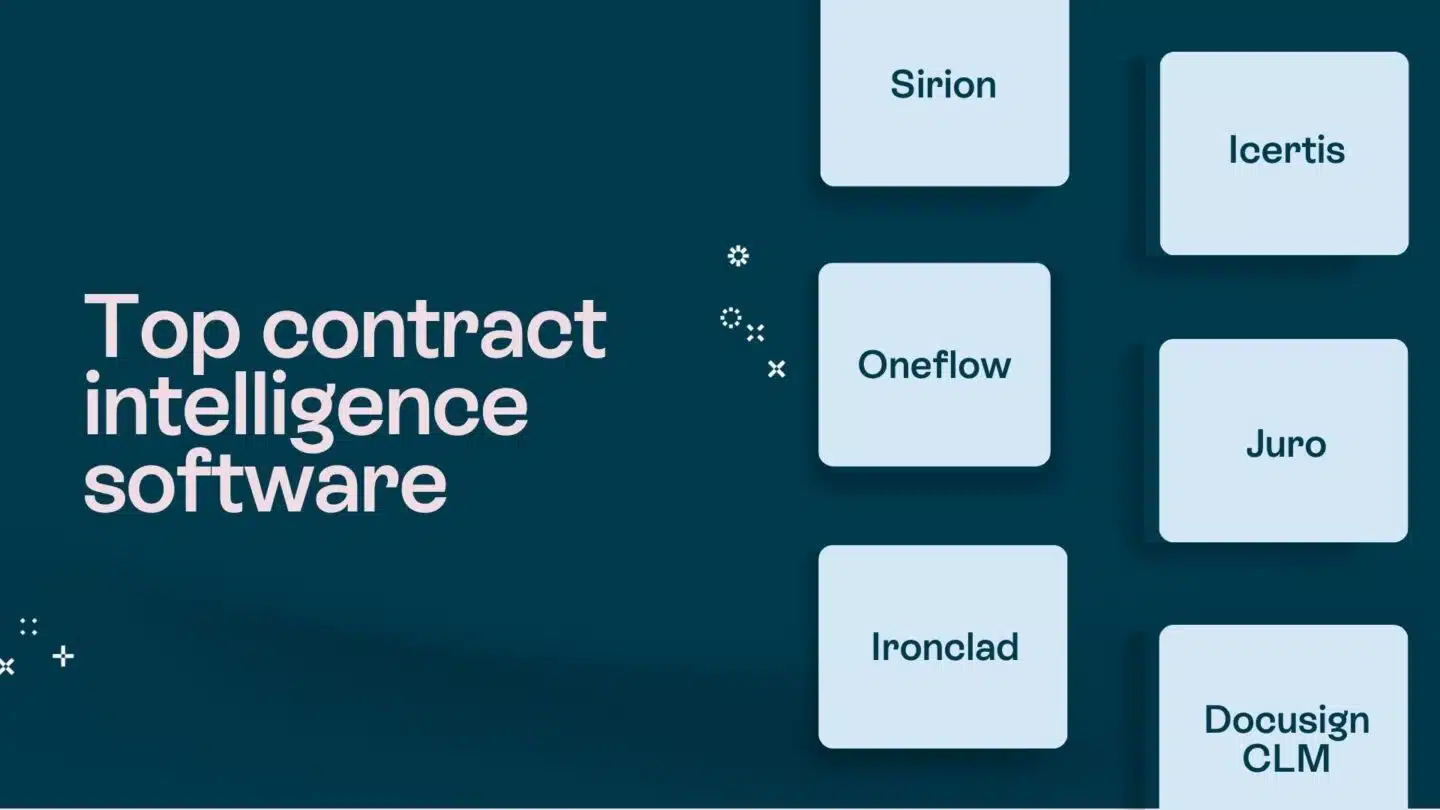
Choose the best contract management software app for your needs according to the workflow it needs to support:
- Oneflow if sales and other business teams need dynamic, mobile-responsive contracts with digital signatures, two-way CRM data flows and structured post-sign work in one process.
- Ironclad if legal needs highly configurable intake, approvals and governance.
- Juro if business teams need self-service for routine contracts under legal controls.
- Docusign CLM if the priority is enterprise document generation and administration, with a separate native app for signing.
- ContractWorks if the main need is a repository-led system for search, reporting and renewals.
- Gatekeeper if procurement needs a single place to manage vendor contracts, supplier risk and obligations.
- Zoho Contracts if native mobile approval, signature and tracking are the deciding factors.
What should a contract management app do?
A complete, modern contract management system gives legal and business teams one place to manage contracts throughout the entire contract lifecycle, from contract drafting and approvals to execution, storage and renewal.
The critical functions include:
- Create and negotiate: Automated document assembly from contract templates. Pre-approved templates keep business users within legal rules. Redlining and live collaboration help teams negotiate contracts without emailing multiple versions.
- Approve and execute: Workflow automation routes contract approvals according to value, risk or contract type. Notifications keep reviews moving smoothly between parties before the agreement proceeds to the contract execution phase.
- Store and monitor: Signed contract documents enter a centralized contract repository with permissions and audit trails. Automated alerts remind parties of their obligations, renewal dates and other key information.
- Analyze and connect: Contract analytics help monitor and improve contract performance, leading to better business decisions. Integrations keep contract data connected with CRM, HRIS or ERP records, reducing the need for manual data entry between systems.
As we mentioned, contract management solutions provide mobile access in two ways.
| Access method | How it works | Typical strengths | What to test |
|---|---|---|---|
| Responsive web app | Opens in a desktop or mobile browser | Review, collaboration, signing and broader lifecycle access | If all features, particularly long-document review and editing work on mobile |
| Native mobile app | Installs on iOS or Android | Approvals, signing, notifications and status tracking | If any desktop functions are unavailable |
Other features worth considering when selecting contract management software:
- Security: Check multifactor authentication, device sessions, role-based access and action histories. These controls protect sensitive data, support regulatory compliance, enforce compliance policies and reduce risk.
- AI: AI-powered contract features can help draft documents, extract fields, summarize contract language or flag inconsistencies. AI analysis still requires human oversight and subject matter expertise when legal interpretation or operational risk is involved.
- Scalability and team fit: Sales teams usually prioritize faster contract cycles and CRM-connected workflows. Procurement teams need supplier records, risk management, obligation tracking and renewal control. Legal teams would focus on permissions, clause deviations and audit trails. You should also assess whether the contract management platform can support more users, contracts and workflow complexity as contract volume increases.
Best contract management software apps reviewed
Here are our top choices.
| Tool | Mobile access | Best fit | Relevant strengths |
|---|---|---|---|
| Oneflow | Responsive dynamic contracts in any browser | Sales and commercial teams that want faster, CRM-connected contracting | Live editing and collaboration, built-in e-signature, configured two-way CRM data flows, AI and structured post-sign data |
| Juro | Mobile browser access and responsive e-signature | Business self-service within legal controls | Templates, conditional workflows, mobile review and approvals and AI Review in Microsoft Word |
| Ironclad | Mobile web access and responsive signing | Enterprise teams with complex intake, approval and governance requirements | No-code workflows, AI Playbooks, Smart Import and broad integration options |
| Docusign CLM | Web-based CLM plus a native iOS and Android eSignature app | Enterprise document generation and contract administration | Dynamic templates, configurable workflows, Iris AI and native mobile signing |
| Gatekeeper | Responsive workflow cards and e-signing on smaller screens | Procurement teams managing supplier contracts, risk and spend | Connected vendor records, risk data, configurable workflows, obligations and renewals |
| ContractWorks | Browser access with no documented native app | Teams prioritizing repository search, alerts and renewal management | AI tagging, dashboards, key-date alerts, conditional approvals and built-in e-signature |
| Zoho Contracts | Native iOS and Android companion apps plus web access | Teams prioritizing mobile drafting, approvals and obligation tracking | Mobile drafting, signature routing, lifecycle changes, reporting and Zoho CRM integration |
Oneflow
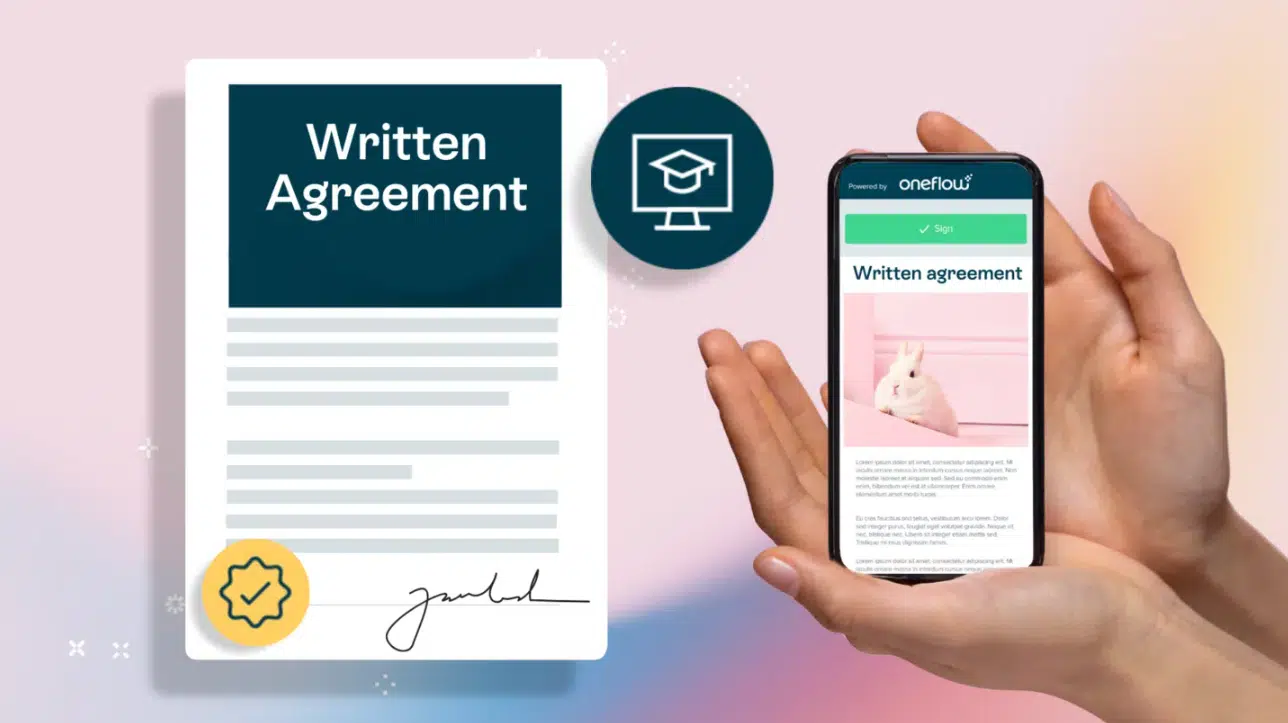
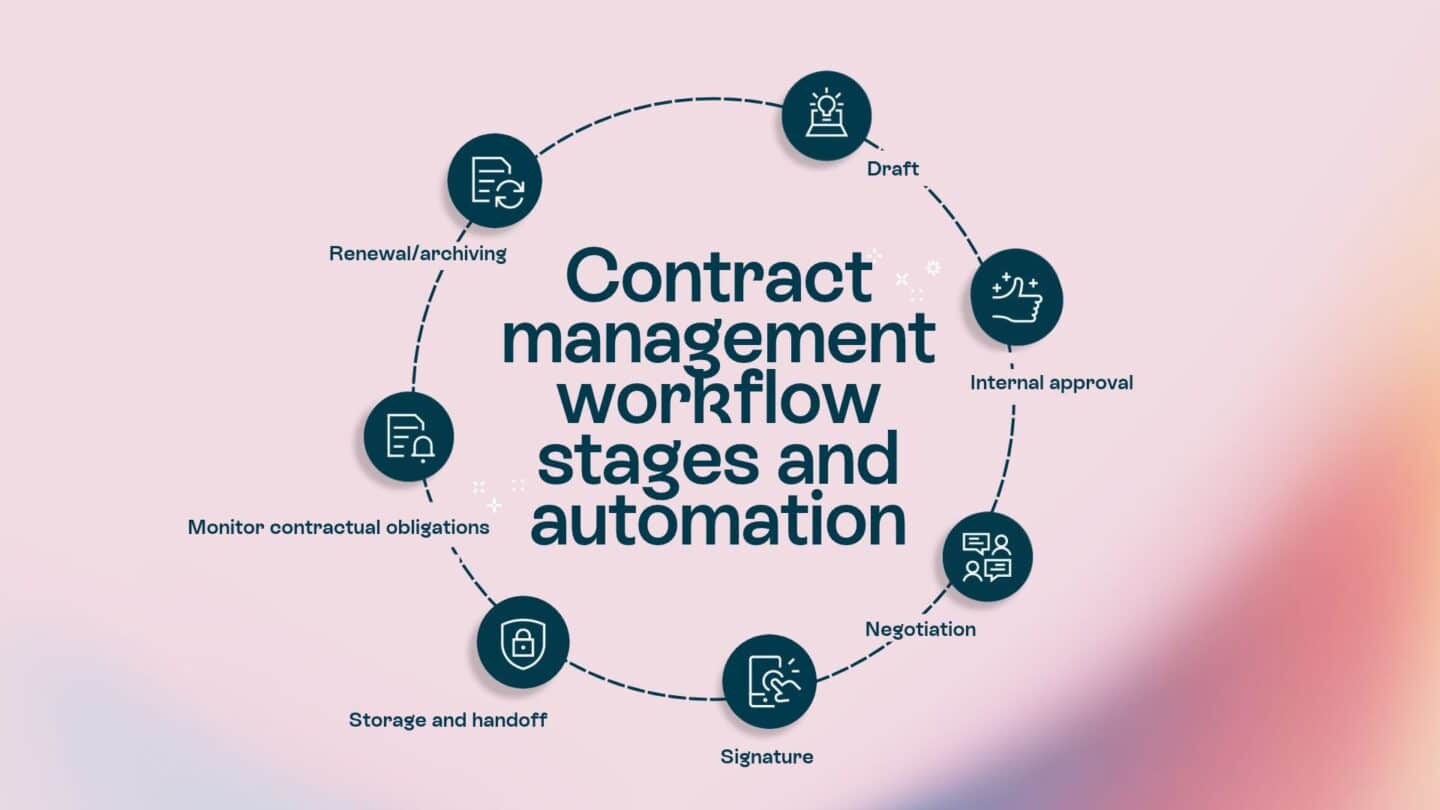
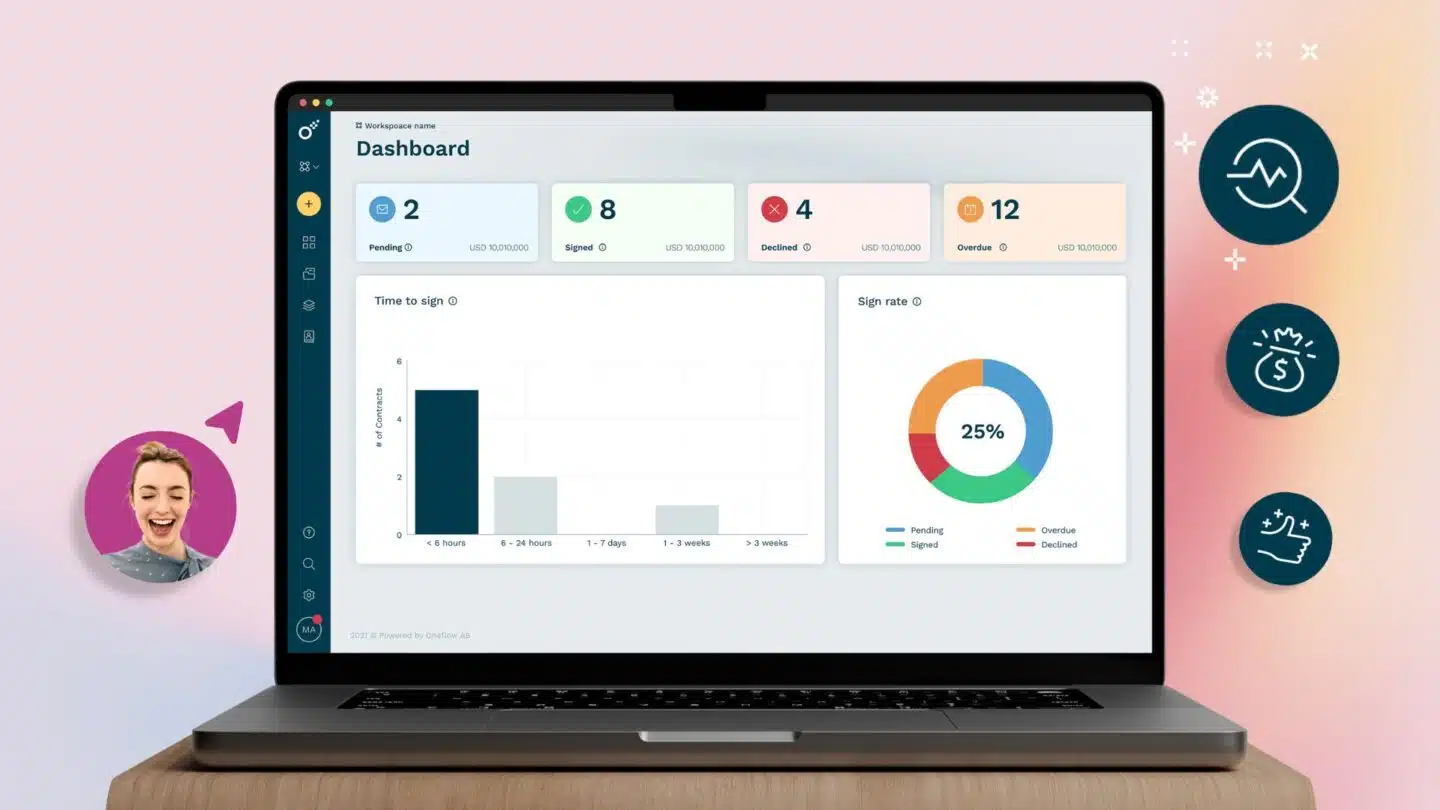
Oneflow is a contract management platform for creating, negotiating, signing and managing agreements, even post-sign into renewals, archiving and beyond. The dynamic contracts keep content and structured data connected throughout the lifecycle, giving teams an up-to-date record instead of scattered PDFs, email threads and spreadsheets. Sales, legal and operations can move agreements forward with fewer manual handoffs and retain clear visibility into obligations, renewal dates and other contract data.
Key features:
- Mobile and device access: Oneflow’s dynamic web contracts are responsive HTML documents. Recipients can open a link, review the agreement and sign in the same view on any device. You can also preview how a contract will appear on mobile before sending it. The responsive design works just as well on any device.
- Collaboration and lifecycle management: During negotiation, participants with the appropriate roles can comment, collaborate and work from the same live agreement. The owner can update a contract after sending it, so everyone sees the latest version without exchanging revised files by email. Once all parties have signed, Oneflow locks the contract and stores its structured data in a searchable contract repository, making renewals and obligation management easier. This continuity has a practical payoff: Forenom saved 50% of the time they previously spent on contract management after adopting Oneflow’s mobile-friendly interactive contracts.
- Key integrations: Oneflow supports sales contract management through integrations with Salesforce, HubSpot, Microsoft Dynamics 365 and Pipedrive. These connections let teams create agreements using CRM data and keep contracts accurate with the customer record. Salesforce, HubSpot and Dynamics support configured two-way data flows. A contract management API is also available for custom connections.
- AI features: AI Extract turns contract content from uploaded documents into structured data, AI Summary makes long agreements faster to understand, and Write with AI helps draft or revise contracts. AI Review supports deeper analysis, such as comparing language with an approved playbook, while AI Insights helps identify patterns and risks across the contract portfolio.
Main limitation: Oneflow does not have a downloadable iOS or Android app. It relies on responsive browser access.
Pricing and trial: Oneflow packages start from $58 per user per month when billed annually, with a five-user minimum and a 14-day free trial. Enterprise pricing is custom. Book a personalized Oneflow demo to see how easily your agreements can flow from contract creation and negotiation through signature, to renewals and obligation tracking in a single platform.
Juro
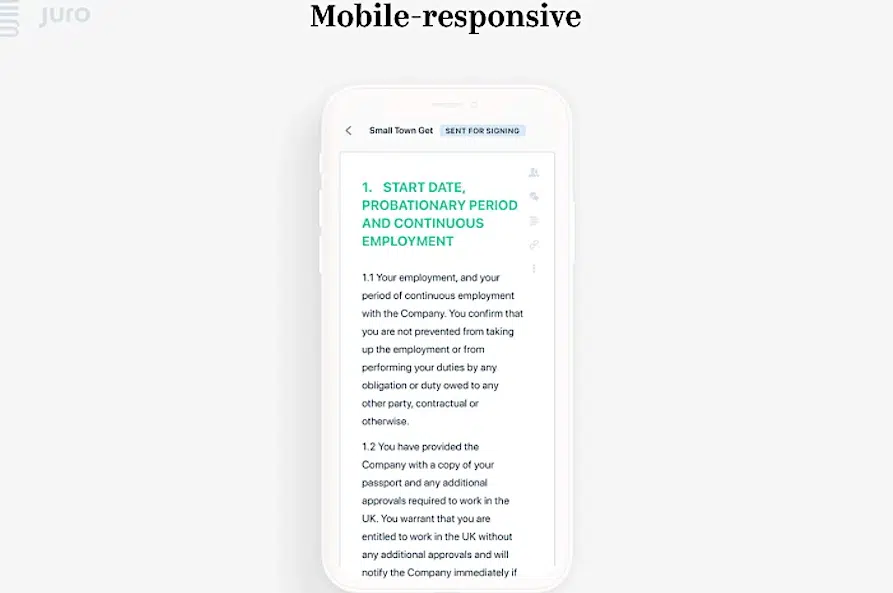
Juro is a browser-based contract management platform for contract creation, approval, negotiation, signing and storage with built-in e-signature and AI tools. Its best use case is controlled self-service: legal teams configure templates, approval logic and review rules, and business users initiate agreements within them.
Key features:
- Mobile and device access: Juro is a browser-based platform, not a mobile app. Users can review contracts, leave comments, approve or flag issues and track progress from the phone. The e-signature feature also has a mobile-responsive layout and works on any device.
- Workflow and AI features: Legal teams can create self-service templates and use conditional workflows to set up contract routing. AI Review works in Microsoft Word, where it checks and redlines contracts against legal-controlled playbooks.
- Key integrations: Juro Connect includes native Salesforce, HubSpot, Slack, Gmail and Google Drive integrations. Zapier connects Juro with thousands of additional platforms; a REST API and webhooks support custom data flows.
Main limitation: Juro’s browser-based design provides useful phone access, but it lacks full mobile functionality. AI Review operates in Microsoft Word, meaning you’d need desktop access to use it.
Pricing and trial: Pricing is custom based on contract volume and features. A demo is available, but there is no trial.
Ironclad
Ironclad is an enterprise contract lifecycle management platform that coordinates complex workflows between legal and business teams. It handles tasks from contract intake and drafting to review, approval, signature and repository management. Its main strength is its configurable workflow engine, which lets different agreement types follow their own intake, routing and governance rules.
Key features:
- Mobile and device access: Ironclad has a responsive mobile design. You can edit and send contracts with appropriate routing from your phone, approve contract details and sign documents.
- Workflow and AI features: The no-code Workflow Designer lets administrators create intake forms, assign approvers and signers and apply conditional routing without development work. AI Playbooks can identify non-standard terms, suggest edits and trigger additional approvals. Other AI capabilities include drafting, redlining, contract review and risk analysis. Smart Import uses AI to extract metadata from existing agreements, and OCR makes the uploaded documents searchable.
- Key integrations: Ironclad’s native integration catalog includes Salesforce, Microsoft Word and Slack. HubSpot is available through a partner integration. CLM APIs and iPaaS options such as MuleSoft, Tray and Zapier support connections with other business systems.
Main limitation: Because Ironclad is highly configurable, implementation and ongoing administration can become more difficult as you add contract types, approval paths and integrations. The public documentation clearly covers mobile signing, but provides less detail regarding complex redlining, changing workflows or administering the repository from a phone.
Pricing and trial: Buyers need to request a tailored plan and demonstration. Only demos are available; no trial.
See also: Options similar to Ironclad.
Docusign CLM
Docusign CLM is an enterprise contract lifecycle management platform that standardizes contract creation, review, approval, signature and post-sign management. It includes dynamic templates, configurable workflows and an AI-powered repository.
Key features:
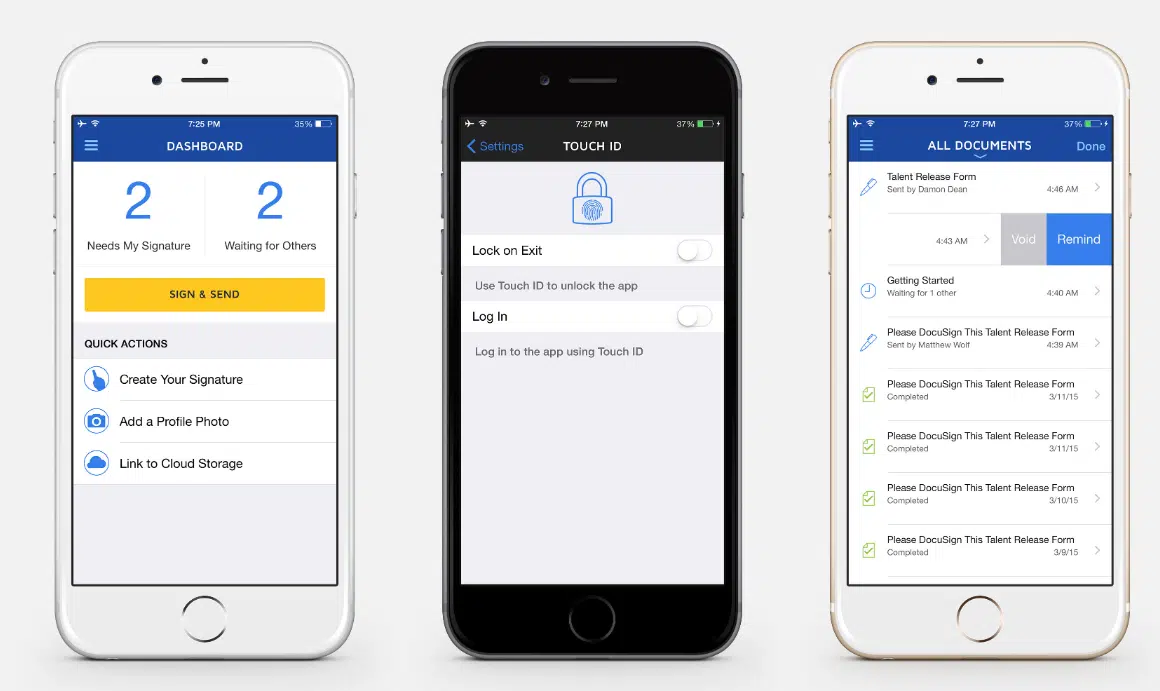
- Mobile and device access: The native Docusign eSignature mobile app is available for iOS and Android devices. It allows users to scan and upload documents, prepare and send signature requests, sign agreements, monitor signing status and send reminders. Real-time push notifications alert users when a document needs attention.
- Workflow and lifecycle features: Dynamic templates can automatically populate agreements with data from systems such as Salesforce. A drag-and-drop editor and pre-configured workflow steps automate document generation, review, approval, signature and smart storage. Negotiation features include comments, task notifications and detailed version control. Repository reports help monitor obligations, renewals and other milestones.
- AI features: Docusign Iris AI handles tasks like review, extraction, analysis, flagging non-compliant clauses, suggesting approved language and drafting new clauses.
- Key integrations: Docusign connects with Salesforce, SAP Ariba and Coupa, among other integrations. For example, users can generate documents from Salesforce or initiate supplier agreements and track workflow tasks in SAP Ariba.
Main limitation: Docusign’s native mobile experience focuses on e-signature rather than providing a complete mobile CLM workspace. Teams that need to configure templates, change workflows, complete detailed reviews or run repository reports from a phone should include those tasks in a device-level product test.
Pricing: The prices range from $45 to $80 per user per month with an annual commitment. The free trial lets you test the e-signature features only.
See also: Alternatives to Docusign.
Gatekeeper
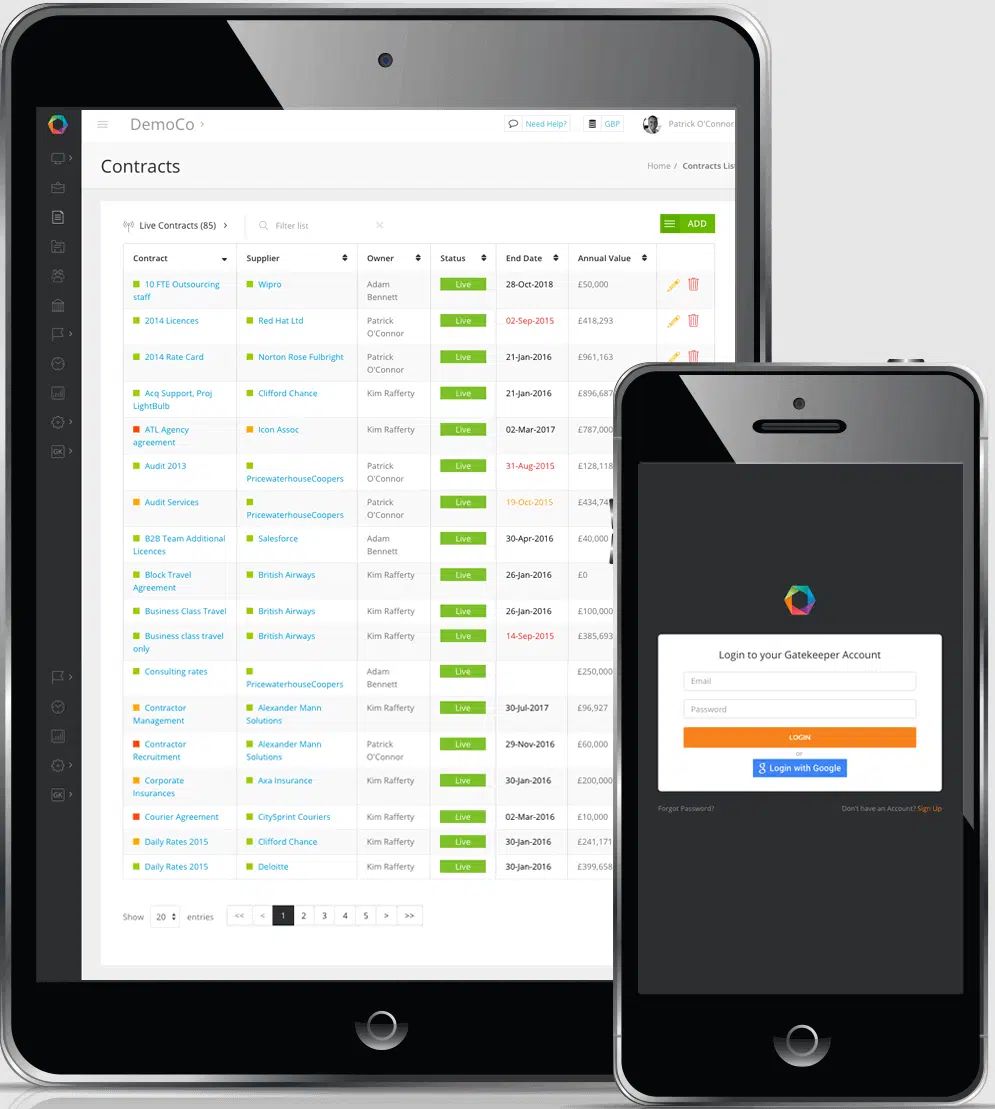
Gatekeeper is a contract and vendor lifecycle management platform that helps manage customer and third-party agreements from request and drafting through renewal. It connects each contract with vendor risk, performance and spend data, making it particularly suited to procurement teams that want to manage agreements and supplier relationships in the same system.
Key features:
- Mobile and device access: Mobile layout is responsive for contract workflow cards and e-signing on smaller screens.
- Contract, vendor and AI workflows: Configurable workflows let users route requests, reviews and approvals; support drafting and e-signature; and alert teams to upcoming renewals and obligations. Because contracts and vendor records share a connected data layer, you can link agreement terms to supplier risk, performance and spend. Gatekeeper’s AI compares agreements with playbooks, flags non-compliant clauses and classifies contracts by risk.
- Key integrations: Gatekeeper’s NetSuite SuiteApp synchronizes vendor, contract and spend data with NetSuite. Interconnect can link Gatekeeper with multiple applications, including Microsoft tools, Workday and ServiceNow. An open API supports additional custom integrations.
Main limitation: Gatekeeper’s strongest differentiation is the connection between contracts, vendors, risk and spend. That breadth may be less valuable to sales-led teams that primarily manage customer agreements and do not need extensive third-party governance. Public documentation provides limited detail on current mobile functionality.
Pricing and trial: Pricing is tailored to the required scope; a demo option is available for testing.
ContractWorks
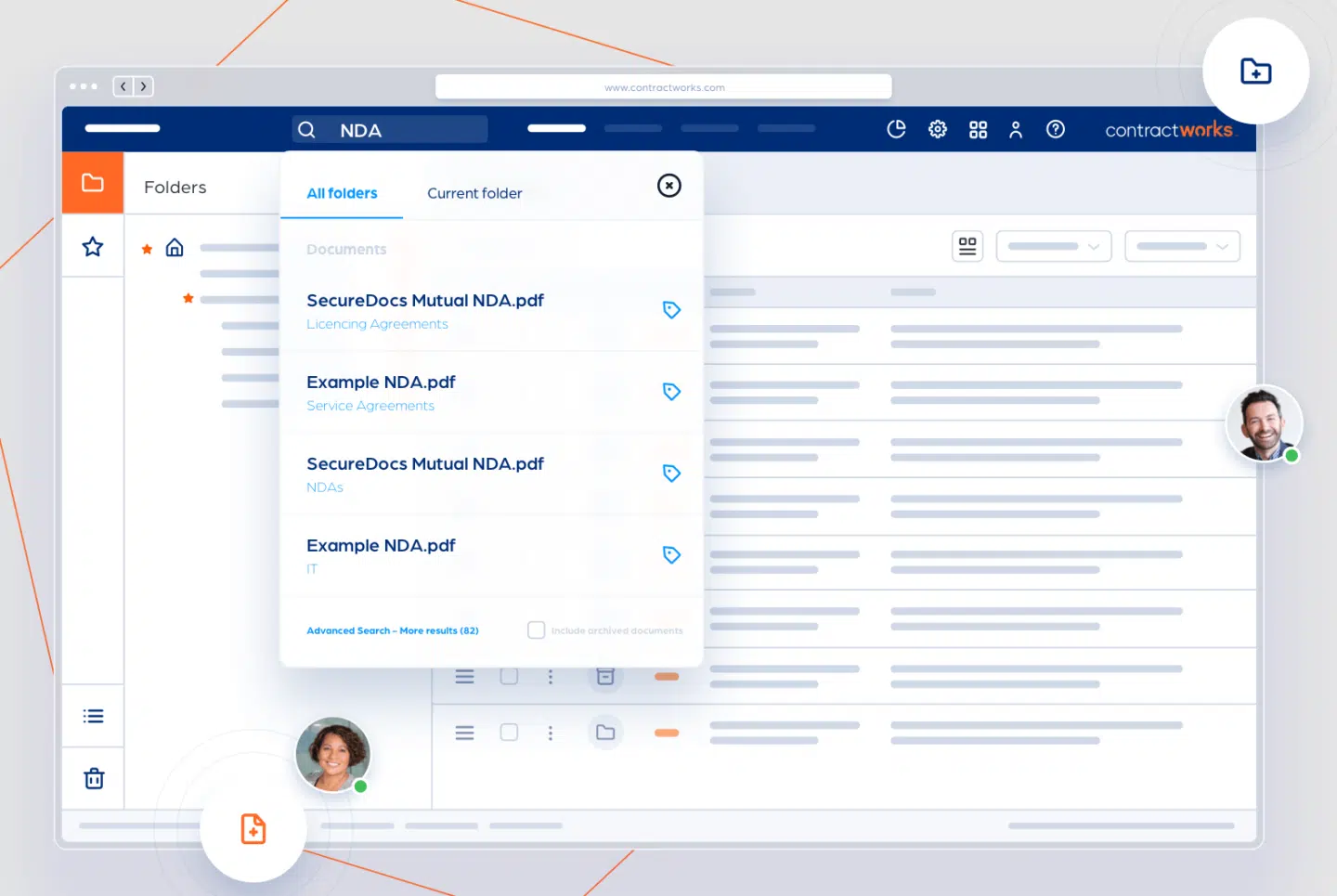
ContractWorks is Onit’s contract management platform for centralizing agreements and controlling work before and after signature with searchable storage, reporting, alerts, template-based drafting, redlining, conditional approvals and e-signature.
Key features:
- Mobile and device access: ContractWorks is cloud-based, and Onit says it’s accessible from anywhere. However, it has no native mobile app or phone-specific feature set.
- Repository and lifecycle features: AI-driven tagging identifies dates, obligations and clauses; custom extraction fields capture organization-specific metadata. Real-time dashboards, audit trails and key date notifications help with contract tracking and renewal management. Pre-approved templates, side-by-side redlining and version history make contract drafting and editing smoother.
- Key integrations: The ContractWorks API supports bulk contract uploads, real-time queries and connections with CRM, ERP and reporting tools.
Main limitation: Onit describes the API at a high level but does not publish the supported data objects, update directions or timing. Teams that require continuous two-way data exchange should test the complete flow in a proof of concept.
Pricing and trial: No pricing information is available, but you can test the platform via a free trial.
Zoho Contracts
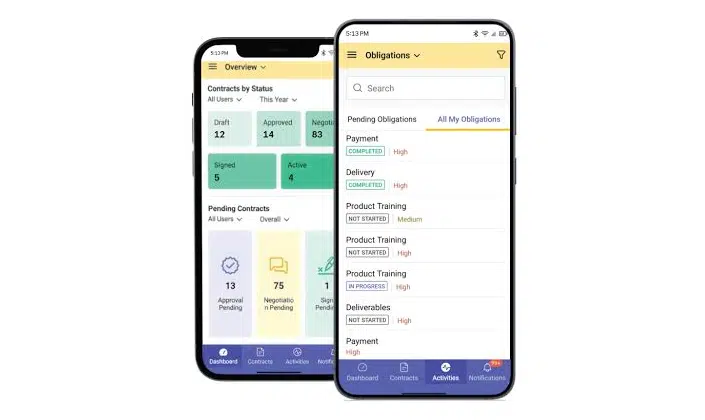
Zoho Contracts is a contract lifecycle management platform for drafting, negotiating, e-signing and post-sign management. It also helps manage obligations, amendments, renewals, extensions and terminations. Dashboards and reports provide visibility into trends and statuses in the contract portfolio.
Key features:
- Mobile and device access: Zoho has native companion apps for iOS and Android. Mobile users can draft contracts, approve or reject agreements, add signers and send documents for signature. They can also view personalized dashboards, contract summaries and counterparty information, as well as manage obligations.
- Lifecycle features: Predefined and customizable templates, a clause library and sequential or parallel approval workflows. Features such as redlining, negotiation history and version comparison keep contract changes organized. Post-signature functionalities help manage amendments, renewals, extensions and terminations. Reports show contract activity, performance, clauses, obligations and counterparties.
- Key integrations: The Zoho CRM integration lets salespeople initiate contract requests from Accounts, Contacts, Deals, Vendors and custom modules. CRM data transfers into a predefined template, after which Zoho Contracts generates the document and assigns a contract owner. Users can track status and request negotiation, signature, amendment, renewal or extension actions within the CRM.
Main limitation: Zoho’s native apps are “companion apps”, with the desktop version providing the optimal experience. The apps support operational work, but template creation, workflow configuration and advanced reporting are not part of their documented capabilities. The Zoho CRM integration requires the Professional plan or higher.
Pricing and trial: Zoho Contracts pricing starts at $25 per user per month when billed annually. For businesses dealing with limited contracts, there is a small free plan available. A 15-day trial is available for testing.
Choose an app that keeps mobile work connected
Many contract apps limit their mobile experience to signing, approvals or status checks. Oneflow makes the agreement itself responsive and interactive on any device. Recipients can review and sign from any browser without installing an app; participants can collaborate in the live agreement, and contract owners can update it without sitting down at a desk.
Sales, legal and operations can work from one current version throughout negotiation and approval. Configured two-way data flows with Salesforce, HubSpot and Microsoft Dynamics 365 reduce duplicate entry, while structured contract data remains searchable after signature for reporting, obligations and renewals.
This makes Oneflow a particularly strong choice for commercial teams that want more than a mobile signing companion. Dynamic contracts, automated workflows, e-signature, AI and post-sign management together reduce contract admin and give the business a clearer view of what has been agreed and what actions should follow.
Book a Oneflow demo to see how you can move agreements to signature faster and stay on top of every renewal and obligation.
FAQs
What features should a contract management app include?
At minimum, it should let teams create agreements from approved templates, review changes and collect approvals and e-signatures. After signing, contracts should be stored in a searchable repository with permissions, audit trails and reminders for renewal dates and obligations.
Can I create, edit and sign contracts from my phone?
Some platforms support all three, although mobile capabilities vary. Signing and approvals are common, while full contract creation and detailed editing are less widely available on mobile. Oneflow lets you review, comment, update and sign responsive web contracts. More complex tasks, such as building templates or configuring workflows, are usually more comfortable on desktop.
What is the difference between a contract management app and CLM software?
A contract management app is a broader term that may describe a native mobile app or a browser-based platform, but it says little about process coverage. CLM covers the full lifecycle, including creation, negotiation, approval, execution and post-sign management. The two terms overlap, as CLM apps are available on mobile.
Can a contract management app integrate with CRM and ERP software?
Yes; a basic connector may copy data into a contract, while a deeper integration can sync negotiated values or later updates between the contract and other systems. Oneflow supports two-way syncs with Salesforce, HubSpot and Microsoft Dynamics 365. ERP connections may require an API or custom setup, so check what data can move between the systems, when it updates and which pricing plan includes the integration.
.png?id=40edbc9ee25345a211152388fdcf1fd2)

.png?id=073897979970647cd034d6db96c145de)